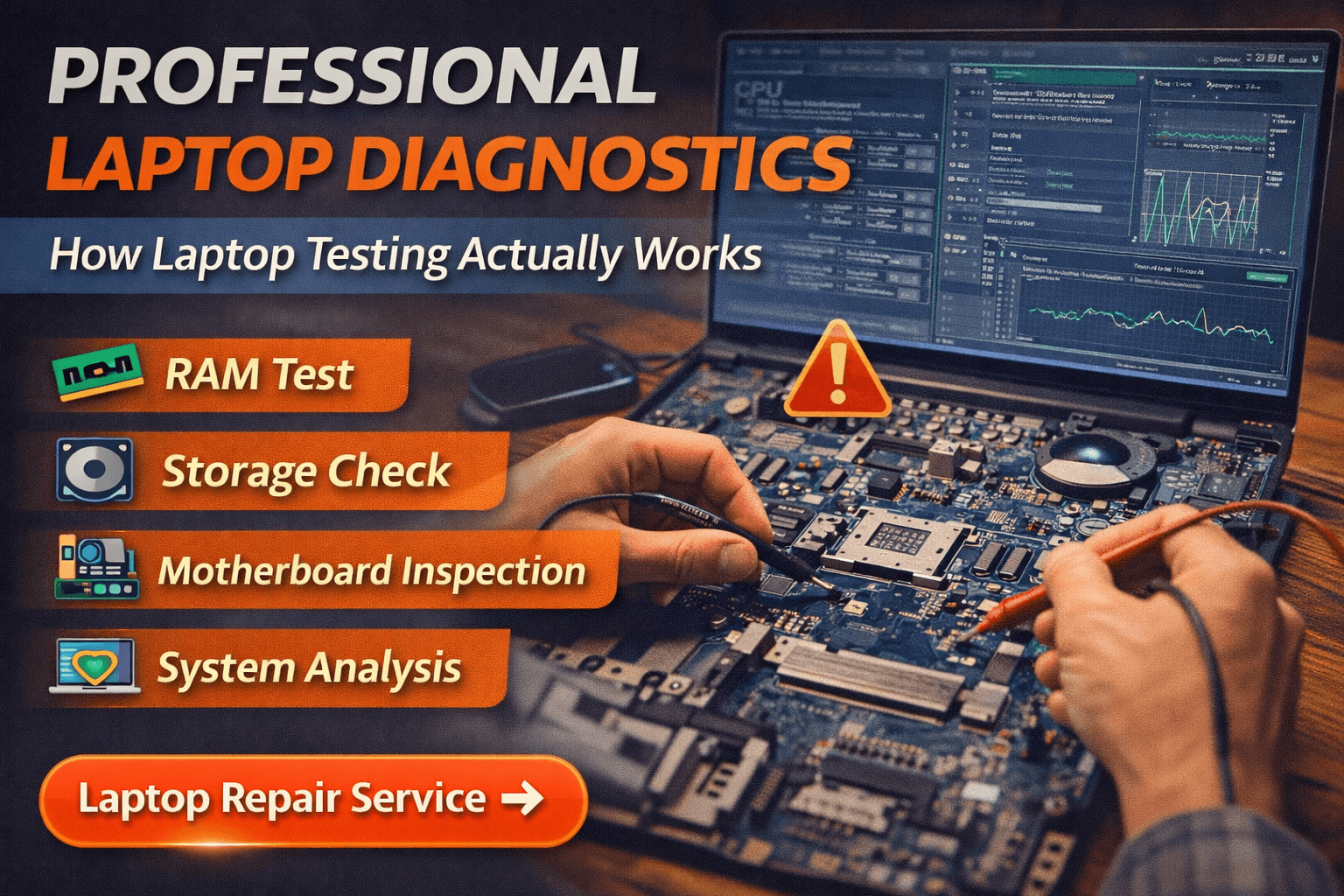
Professional Laptop Diagnostics – How Laptop Testing Actually Works
When a laptop suddenly stops working or starts behaving unpredictably, many users assume the device needs immediate repair or part replacement. However, experienced technicians first perform professional laptop diagnostics to determine the exact cause of the issue. This diagnostic process helps identify hardware faults, software conflicts, and system instability before any repair is recommended.
Understanding how professional laptop diagnostics works helps users realize why accurate testing is important before replacing expensive components. Proper diagnostics allow technicians to detect the real problem and fix it efficiently.
What Professional Laptop Diagnostics Means
The term professional laptop diagnostics refers to a structured testing process used by technicians to analyze the health of a laptop’s hardware and software. Instead of guessing the issue, technicians rely on diagnostic tools and systematic testing to locate the fault.
During professional laptop diagnostics, several key components are examined:
- Motherboard power circuits
- RAM and memory stability
- Hard drive or SSD health
- Cooling system performance
- Charging system and battery condition
- Operating system stability
When diagnostics are performed correctly, technicians can identify the exact cause of the malfunction without unnecessary part replacement.
Why Professional Laptop Diagnostics Is Important
Many laptop problems appear similar on the surface but have completely different causes. For example, a laptop that shuts down suddenly could be experiencing overheating, a failing battery, or a motherboard issue.
This is where professional laptop diagnostics becomes essential. By running structured tests, technicians can determine the root cause of the problem before starting the repair.
Benefits of proper diagnostics include:
- Accurate fault detection
- Prevention of unnecessary hardware replacement
- Faster repair time
- Lower repair costs
- Improved long-term reliability
Without diagnostics, technicians may replace parts that are actually functioning correctly.
Hardware Checks During Laptop Diagnostics
One of the most important steps in the diagnostic process is hardware testing. Many laptop failures occur due to internal components that degrade over time.
During professional laptop diagnostics, technicians typically test:
- RAM modules for memory errors
- Storage drives for read/write failures
- Motherboard circuits for power issues
- Laptop battery health and charging system
- Cooling system and internal temperature levels
These tests help identify whether the problem originates from internal hardware failure or external factors such as overheating.
Software Analysis in the Diagnostic Process
Not all laptop problems are caused by hardware faults. In many situations, operating system errors or software conflicts can lead to serious performance issues.
During professional laptop diagnostics, technicians also analyze the software environment of the system. This may include:
- Checking operating system stability
- Reviewing system error logs
- Detecting malware or virus infections
- Identifying driver conflicts
- Examining startup programs affecting performance
Proper software analysis helps ensure that hardware is not replaced when the issue is actually caused by system configuration errors.
Signs Your Laptop Needs Diagnostics
Many users ignore early warning signs until the laptop stops working completely. However, certain symptoms indicate that diagnostic testing may be necessary.
Common warning signs include:
- Laptop shutting down unexpectedly
- Laptop restarting automatically
- Laptop overheating frequently
- System freezing or slowing down
- Charging problems or battery issues
When these symptoms appear repeatedly, professional testing can help determine the root cause quickly.
Professional Laptop Diagnostics Before Repair
Experienced technicians always perform professional laptop diagnostics before recommending repairs. This ensures the problem is identified accurately and prevents unnecessary costs.
For example, a laptop that fails to power on may appear to have a motherboard problem, but diagnostics could reveal a faulty charger or battery instead. By performing proper tests, technicians can choose the correct repair solution.
At Maxiple Technology, technicians run complete system testing before recommending any repair. This approach helps ensure that customers receive accurate repair solutions rather than guess-based fixes.
Laptop Repair Service in Delhi NCR
If your laptop shows unusual behavior such as overheating, shutdowns, or slow performance, professional inspection can help identify the problem quickly.
👉 Laptop Repair Service in Delhi NCR
https://maxipleitservices.com/laptop-repair-in-delhi/
Technicians perform system diagnostics before recommending repair to ensure the exact issue is identified.
Check Customer Reviews Before Choosing a Repair Service
Before selecting a repair provider, it is always helpful to review customer feedback.
👉 Google Business Profile
https://share.google/tVluKkneY5evsmPRN
Customer reviews help verify the reliability and experience of technicians handling laptop diagnostics and repair.
Final Thoughts
Laptop problems can occur for many different reasons, and identifying the exact cause is essential before starting any repair. This is why professional laptop diagnostics plays such an important role in the repair process.
Accurate diagnostics help technicians locate the root cause of the issue, reduce repair costs, and ensure the laptop functions reliably after repair.