When it comes to computer problems, users often wonder whether Macs or Windows PCs are easier to repair. The debate around Mac vs Windows Repair is common among professionals and everyday users alike. Both platforms are powerful, but they face different types of hardware and software issues over time. Understanding these differences helps users make better repair decisions and avoid unnecessary expenses.
In the discussion, factors like system design, component availability, and operating system behavior play a major role. Macs are known for their premium build quality, while Windows systems offer flexibility and broader compatibility. However, each comes with repair challenges that users should be aware of before choosing a device or a repair service.
In this blog, we compare common issues, repair complexity, and maintenance needs to help you understand clearly and practically.
Hardware Design Differences
The biggest difference in Mac vs Windows Repair starts with hardware design. Apple designs Macs with tightly integrated components. Windows laptops are manufactured by multiple brands using modular designs.
MacBooks often have soldered RAM and storage, making upgrades difficult. Windows laptops usually allow easy replacement of RAM, SSDs, and batteries. This difference directly impacts repair cost and turnaround time.
From a repair perspective, Windows devices offer more flexibility. Mac repairs often require specialized tools and certified technicians, increasing overall service costs.
Mac vs Windows Repair and Component Accessibility
In , component accessibility matters a lot. Mac devices prioritize slim design over repair convenience. Accessing internal components can take longer.
Windows laptops generally allow quicker disassembly. This makes diagnostics faster and repairs more affordable for most users.
Mac vs Windows Repair: Common Hardware Issues
Hardware problems occur on both platforms, but the nature of issues differs. Mac vs Windows Repair comparisons show patterns in failure points.
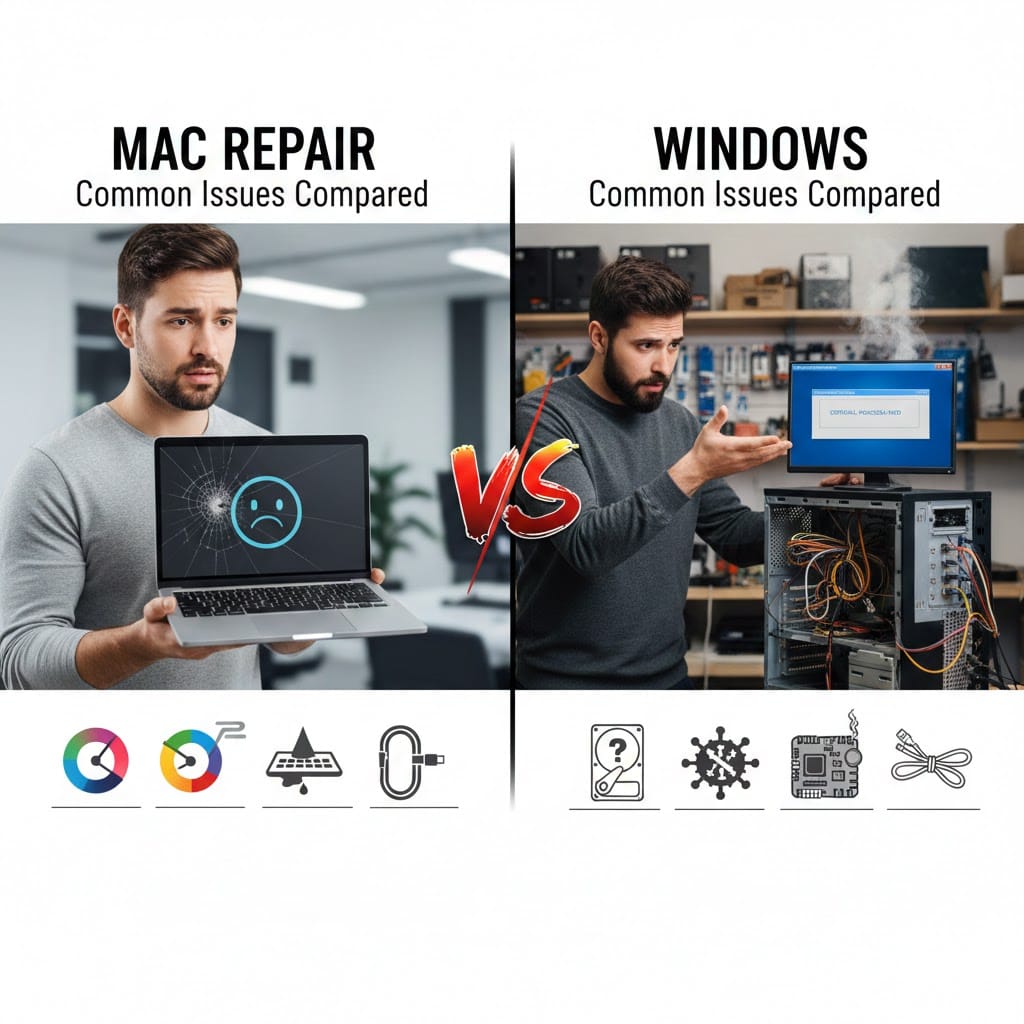
MacBooks frequently experience keyboard issues, display cable failures, and battery swelling. Windows laptops often face hinge damage, charging port failures, and cooling fan issues.
Despite Apple’s premium build, Mac hardware repairs are usually more expensive. Windows hardware issues are more common but cheaper to fix due to part availability.
Screen and Battery Problems
Screen replacement in differs significantly. Mac displays are high-resolution and bonded, increasing replacement costs.
Windows screens are easier to replace and widely available. Battery replacement is also simpler in most Windows laptops compared to MacBooks.
Operating System Issues
Software problems play a major role in Mac vs Windows Repair decisions. Both operating systems are stable but behave differently under stress.
macOS is optimized for Apple hardware and usually runs smoothly. However, when issues occur, troubleshooting options are limited. Windows offers more customization but is prone to driver conflicts and update errors.
In the comparison, Windows systems face more frequent malware and registry issues. Mac systems rarely suffer from viruses but can face system crashes after updates.
Repair and System Updates
System updates are a major concern in Windows updates sometimes cause boot failures or driver incompatibility.
macOS updates can slow down older devices or create application compatibility issues. Both systems require expert handling during recovery.
Mac vs Windows Repair: Data Recovery Challenges
Data loss is one of the most stressful problems users face. differs significantly when it comes to data recovery.
Mac systems use advanced encryption and proprietary file systems. This makes data recovery more complex and time-consuming. Windows systems offer better compatibility with recovery tools.
In Windows hard drives are easier to scan and recover. Mac data recovery often requires professional-grade software and expertise.
Mac vs Windows Repair and Backup Practices
Time Machine helps Mac users with backups, while Windows relies on File History or third-party tools. Proper backups reduce repair-related data loss risks on both platforms.
Mac vs Windows Repair: Cost Comparison
Cost is a deciding factor in Mac repairs are generally more expensive due to proprietary parts and limited service centers.
Windows repairs are cost-effective because parts are widely available. Users can choose between original and compatible components based on budget.
In , labor charges for Mac devices are higher due to complexity and certification requirements.
Mac vs Windows Repair and Warranty Coverage
AppleCare offers extended coverage but comes at a premium. Windows warranties vary by manufacturer and often exclude physical damage.
Mac vs Windows Repair: Maintenance and Longevity
Maintenance habits affect long-term performance in comparisons. Macs require less frequent system cleanup but benefit from hardware care.
Windows systems need regular malware scans, driver updates, and disk cleanup. Neglecting maintenance leads to frequent breakdowns.
Proper servicing improves lifespan for both platforms. In , preventive maintenance reduces costly future repairs.
Mac vs Windows Repair and User Responsibility
Users play a key role in device health. Regular updates, safe usage, and timely repairs prevent major failures on both systems.
Mac vs Windows Repair: Which Is Easier to Fix?
The answer depends on the problem. shows that Windows devices are easier to repair and upgrade.
Mac devices offer reliability but limited repair flexibility. Windows systems provide customization but require frequent maintenance.
Choosing the right repair service is more important than the device itself. Professional technicians ensure safe and reliable repairs for both platforms.
Professional Mac and Windows Repair Services
If you’re facing issues with your laptop or desktop, expert help makes all the difference. At Maxiple IT Services, we specialize in Mac vs Windows Repair, offering reliable diagnostics and cost-effective solutions.
Our technicians handle hardware repairs, software issues, data recovery, and performance optimization with care and expertise. We use quality parts and proven repair methods to ensure long-lasting results.
📞 Call us today: 8882841303
🌐 Visit: https://maxipleitservices.com/
Whether it’s a Mac or a Windows system, we’re here to keep your device running smoothly.