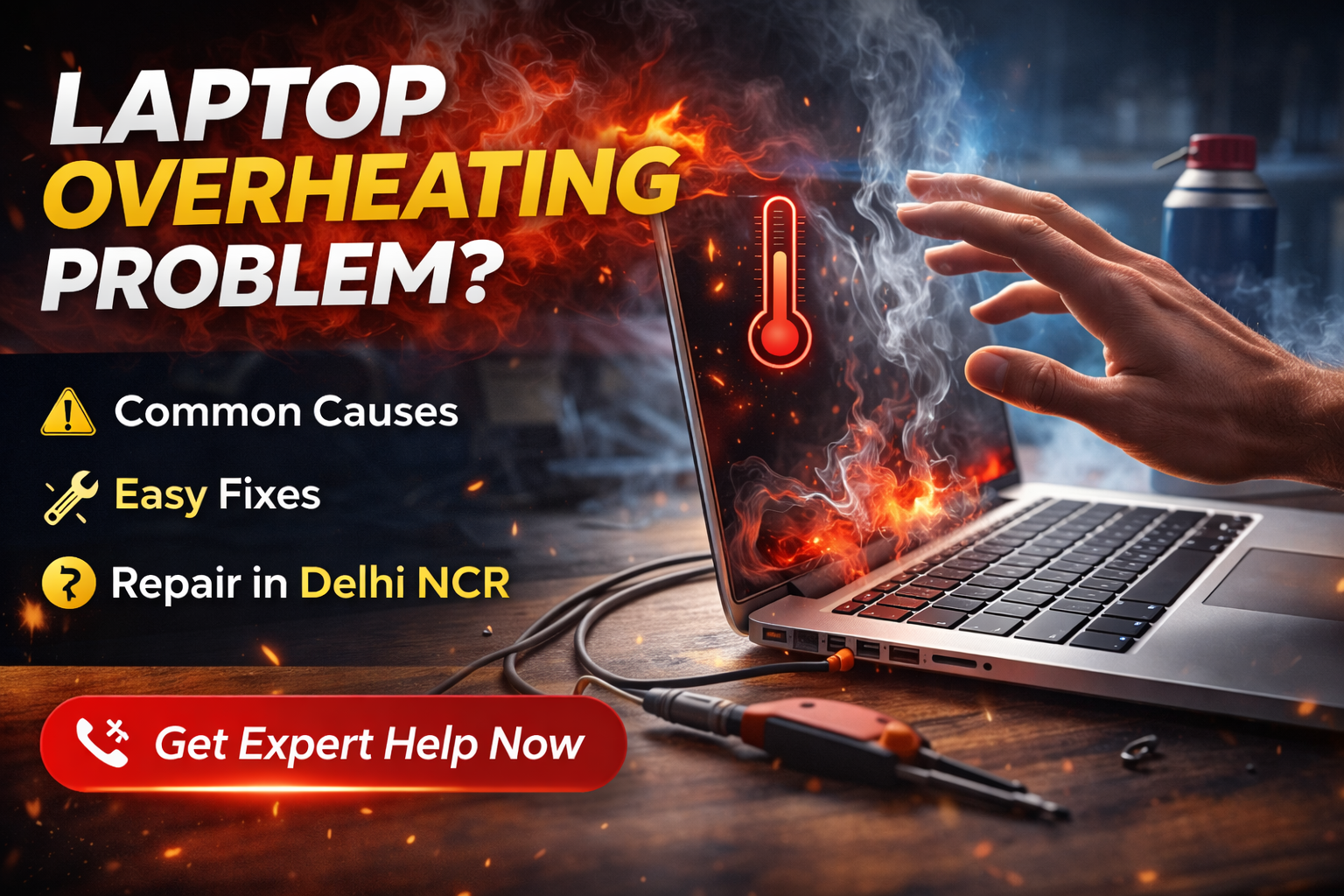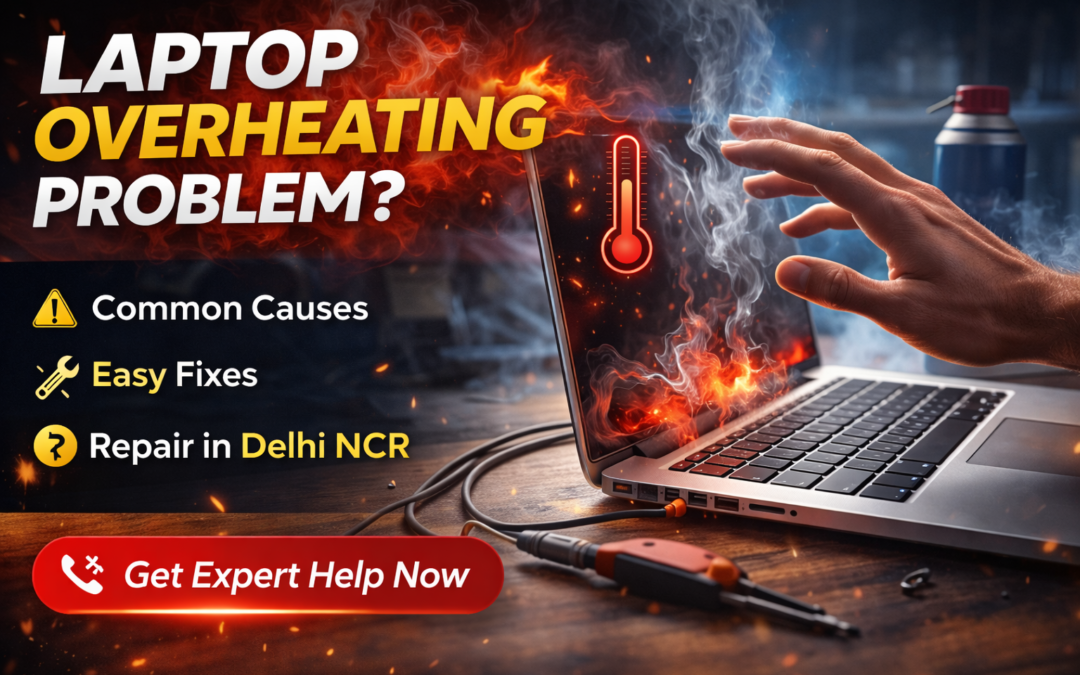
Laptop Overheating Problem: Causes, Fixes & When You Need Repair
A laptop overheating problem is one of the most common issues faced by users in India—especially during long working hours, gaming, or summer seasons. Overheating not only slows down performance but can also cause sudden shutdowns, hardware damage, and data loss if ignored.
This guide explains the main causes of laptop overheating, simple fixes you can try, and when professional laptop repair becomes necessary.
Common Causes of Laptop Overheating Problem
Laptop overheating usually happens due to a combination of internal and external factors. The most common causes include:
Dust buildup inside cooling fan and vents
Dried or poor-quality thermal paste on CPU/GPU
Faulty or slow cooling fan
Heavy software usage or background processes
Using the laptop on bed, sofa, or uneven surfaces
Old laptops with inefficient cooling systems
Over time, even a small cooling issue can turn into a serious overheating problem.
Signs Your Laptop Is Overheating
If your laptop shows any of these symptoms, overheating is likely the cause:
Laptop becomes very hot near the keyboard or exhaust
Fan noise becomes unusually loud
Sudden shutdowns during work or gaming
Performance drops or lagging
Blue screen or system crashes
Ignoring these signs can lead to motherboard or processor damage.
Simple Fixes for Laptop Overheating Problem
Before opting for repair, you can try these basic fixes:
Clean air vents using compressed air
Use the laptop on a flat, hard surface
Close unnecessary background applications
Update system drivers and BIOS (if applicable)
Use a cooling pad for temporary relief
If overheating persists after these steps, internal servicing is required.
When Laptop Overheating Needs Professional Repair
You should consider professional repair if:
Laptop shuts down even after basic cleaning
Fan is not spinning or making grinding noise
Overheating occurs within minutes of startup
Thermal paste has never been replaced (2+ years old)
In such cases, internal cleaning, fan replacement, or thermal paste reapplication is necessary.
Laptop Overheating Repair Solutions
Professional laptop overheating repair may include:
Deep internal cleaning
Cooling fan repair or replacement
CPU/GPU thermal paste replacement
Heat sink alignment and airflow optimization
At Maxiple Technology, overheating issues are handled with proper diagnostics to ensure long-term cooling efficiency, not just temporary fixes.
Laptop Overheating Repair Cost in Delhi NCR
Approximate cost for overheating-related repair:
Internal cleaning: ₹800 – ₹1,500
Thermal paste replacement: ₹1,200 – ₹2,500
Fan replacement: ₹2,000 – ₹4,000
Exact cost depends on laptop model and damage level.
Professional Laptop Repair in Delhi NCR
If your laptop overheating problem is affecting performance or causing shutdowns, it’s best to get it checked by experienced technicians.
👉 Laptop Repair Service in Delhi NCR:
https://maxipleitservices.com/laptop-repair-in-delhi/
This service covers overheating issues, internal cleaning, fan repair, and advanced diagnostics for all major laptop brands.
Check Reviews & Local Presence
Before choosing a repair service, you can verify customer reviews and service quality on Google.
👉 Google Business Profile – Maxiple Technology:
https://share.google/tVluKkneY5evsmPRN
Laptop Overheating Problem – Final Advice
Laptop overheating is not just a performance issue—it’s a warning sign. Timely repair can prevent costly motherboard damage and extend your laptop’s lifespan. If basic fixes don’t work, professional servicing is the safest solution.