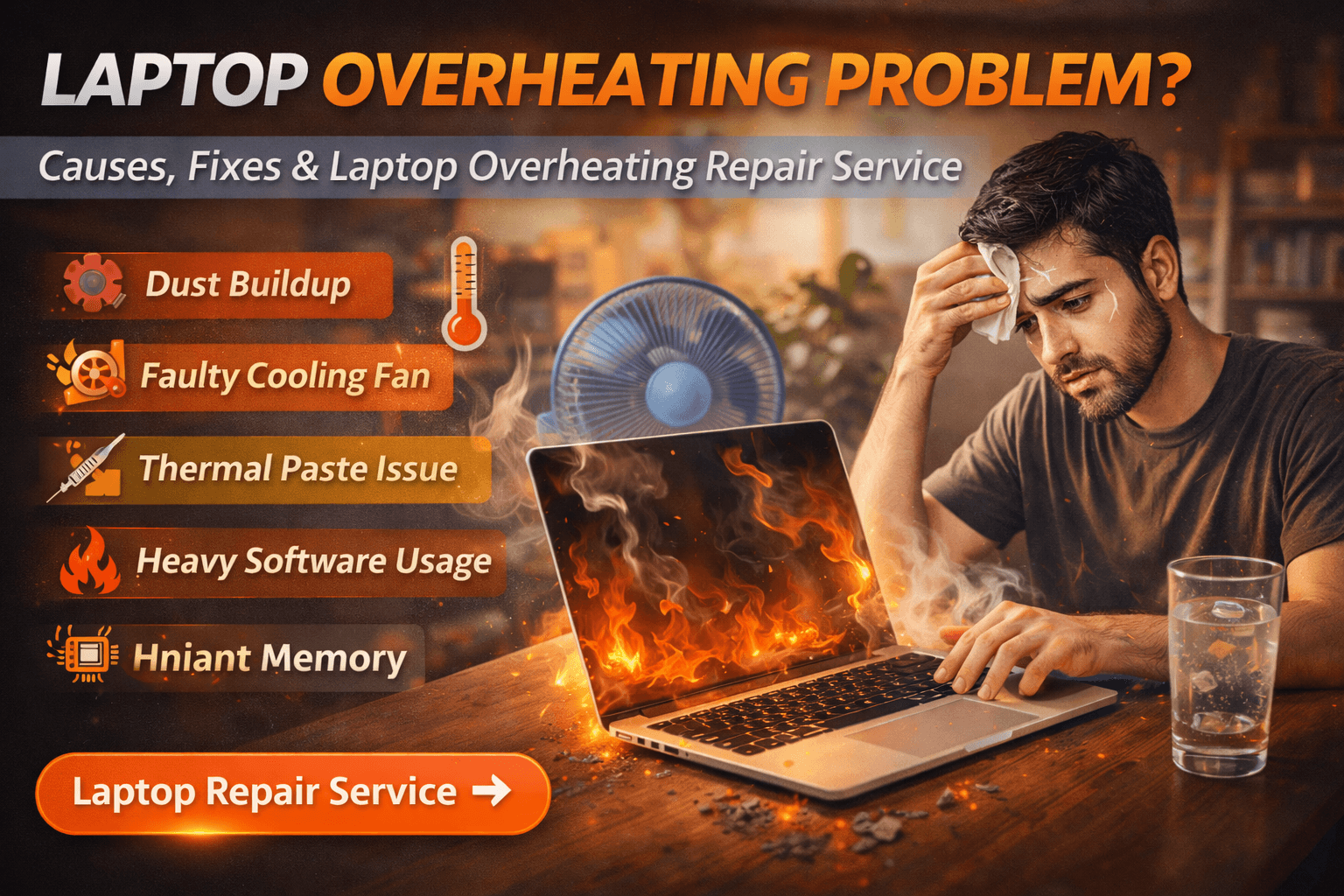
Laptop Overheating Problem: Causes, Fixes & Laptop Overheating Repair Service
A laptop overheating problem is one of the most common issues faced by laptop users. When a laptop becomes excessively hot, it can lead to slow performance, sudden shutdowns, and even permanent hardware damage if ignored.
Many users notice their laptop getting unusually hot during work, gaming, or charging. Understanding the causes of laptop overheating and available repair solutions can help prevent serious damage and extend the life of your device.
Why Laptop Overheating Problem Happens
Laptop overheating usually occurs when the cooling system cannot properly regulate internal temperature. Some of the most common causes include:
Dust accumulation inside cooling vents
Faulty or slow laptop cooling fan
Dried or degraded thermal paste on CPU/GPU
Heavy software usage or background processes
Blocked airflow when using laptop on soft surfaces
Internal hardware malfunction
Over time, these factors cause heat to build up inside the laptop, which affects performance and stability.
Signs You are Facing Laptop Overheating Problem
Recognizing the symptoms early can prevent major hardware damage. Common signs include:
Laptop becoming extremely hot near the keyboard or vents
Loud fan noise running continuously
Sudden automatic shutdowns
System performance becoming slow or laggy
Screen freezing or crashing during heavy usage
If these symptoms appear frequently, the laptop may require professional servicing.
Quick Fixes You Can Try
Before opting for repair, you can try a few basic troubleshooting steps:
Clean laptop air vents carefully
Use the laptop on a flat, hard surface
Close unnecessary background applications
Use a cooling pad for temporary heat reduction
Update system drivers and operating system
If overheating continues after these steps, internal cleaning or component repair may be required.
Laptop Overheating Problem Repair Solutions
Professional laptop repair may include several solutions depending on the root cause:
Deep internal cleaning to remove dust buildup
Cooling fan repair or replacement
Thermal paste replacement on processor
Heat sink alignment and airflow optimization
Motherboard inspection for heat-related damage
At Maxiple Technology, overheating problems are diagnosed using professional tools to ensure the exact cause is identified before repair.
Laptop Overheating Problem Repair Cost
Repair cost depends on the severity of the problem and laptop model. Typical repair ranges include:
Internal cleaning: ₹800 – ₹1,500
Thermal paste replacement: ₹1,200 – ₹2,500
Cooling fan replacement: ₹2,000 – ₹4,000
The exact cost is confirmed after a proper diagnosis.
Professional Laptop Repair Service in Delhi NCR
If your laptop frequently overheats or shuts down due to high temperature, professional repair can help restore normal performance and prevent hardware damage.
👉 Laptop Repair Service in Delhi NCR
https://maxipleitservices.com/laptop-repair-in-delhi/
This service supports all major laptop brands and includes professional diagnostics and repair.
Check Reviews Before Booking Repair
Before choosing any repair service, it is always recommended to verify customer feedback and service quality.
👉 Google Business Profile – Maxiple Technology
https://share.google/tVluKkneY5evsmPRN
Checking reviews helps ensure you select a reliable and experienced repair provider.
Final Thoughts
Laptop overheating is not just a performance issue—it can lead to serious hardware damage if ignored. Identifying the cause early and opting for professional repair can extend your laptop’s lifespan and ensure reliable performance