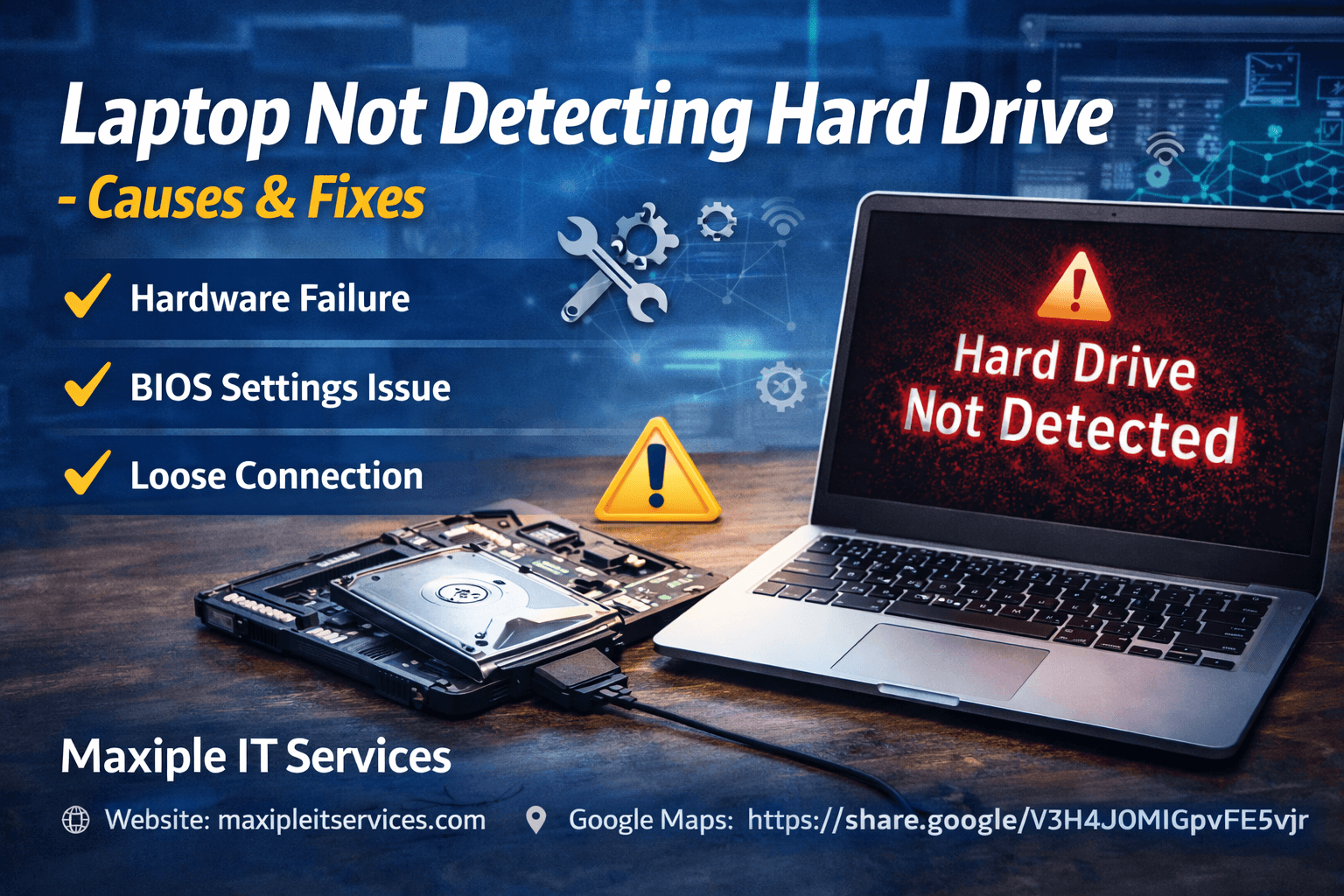
Laptop Not Detecting Hard Drive – Causes and Fixes
Many users experience situations where their laptop not detecting hard drive during startup, resulting in error messages or a blank screen. Although this problem may appear alarming, it can occur for several technical reasons such as hardware issues, incorrect BIOS settings, or operating system errors.
If the problem persists after basic troubleshooting, professional diagnosis is often recommended. Users looking for expert repair support can explore professional services at Maxiple IT Services:
https://maxipleitservices.com/
Understanding the possible causes behind this issue can help identify the correct solution and restore the laptop’s functionality.
Understanding Hard Drive Detection Problems
The hard drive plays a critical role in a laptop’s operation. It stores the operating system and all essential system files required for startup. When the laptop fails to detect the hard drive, the operating system cannot load.
When a laptop not detecting hard drive, the system may display messages such as “No Boot Device Found” or “Hard Disk Not Detected.” In some cases, the laptop may remain stuck on the BIOS screen without loading the operating system.
These situations usually indicate that the system cannot communicate with the storage device properly. The issue may be related to software errors, BIOS configuration problems, or physical hardware faults.
Identifying the exact cause is essential before attempting repairs.
Common Signs of Hard Drive Detection Issues
Before diagnosing the issue, users should recognize the common warning signs that indicate storage detection problems.
Typical symptoms include:
Laptop showing “No Boot Device Found”
System stuck on startup screen
Hard drive not visible in BIOS settings
Operating system failing to load
Laptop restarting repeatedly
When these symptoms appear, it often indicates that the laptop not detecting hard drive correctly during the boot process.
Early detection of these signs can help prevent severe data loss and system failure.
Why Laptop Not Detecting Hard Drive Happens
Several technical factors may cause this problem. Understanding these causes can help users troubleshoot the issue more effectively.
One of the most common reasons is hardware failure. Hard drives contain mechanical components that can wear out over time. If the drive becomes damaged internally, the laptop may stop recognizing it.
Another possible cause is incorrect BIOS configuration. If the system settings are changed or corrupted, the laptop may fail to identify the storage device during startup.
In many technical cases, experts diagnose that laptop not detecting hard drive due to a combination of hardware and system configuration issues.
Regular system maintenance can help reduce the chances of such failures.
BIOS Configuration Problems
The BIOS system controls how hardware components interact with the laptop during startup. If the BIOS settings are incorrect, the system may fail to detect the hard drive.
Users can check the BIOS storage section to confirm whether the hard drive appears in the device list. If it does not appear, it may indicate a hardware connection issue or drive failure.
Sometimes resetting BIOS settings to default can resolve the issue. In cases where the laptop not detecting hard drive, adjusting the boot configuration may restore normal functionality.
However, if the drive still does not appear in BIOS, further diagnosis may be necessary.
Hardware Failure: Laptop Not Detecting Hard Drive
Hardware failure is one of the most serious causes of this issue. Traditional hard drives contain spinning disks and mechanical components that can fail over time.
If the drive develops internal damage, the system may stop recognizing it entirely. In such cases, the laptop not detecting hard drive because the storage device itself is malfunctioning.
Some warning signs of hardware failure include unusual clicking sounds, slow system performance, and frequent system crashes.
When these symptoms appear, professional repair services may be required to determine whether the drive can be repaired or replaced.
Loose or Damaged Internal Connections
Another common cause of storage detection problems is loose internal connections. The hard drive connects to the laptop motherboard through a specific interface that enables data transfer.
If this connection becomes unstable due to movement or overheating, the system may fail to detect the drive.
Technicians often inspect internal connectors to ensure the drive is securely attached. In many situations, laptop not detecting hard drive simply because the connection between the storage device and motherboard has loosened.
Checking these connections can sometimes resolve the issue quickly.
Operating System and Driver Conflicts
Software conflicts can also lead to storage detection problems. Corrupted system files, outdated drivers, or failed system updates may interfere with hardware communication.
When the operating system cannot properly communicate with the storage device, the drive may not appear in system settings or boot configuration.
Repairing system files or reinstalling storage drivers may help restore functionality. In certain cases, laptop not detecting hard drive due to software errors rather than hardware damage.
Maintaining updated system software helps prevent such issues.
Professional Diagnosis and Repair
Diagnosing storage problems often requires specialized tools and technical expertise. Professional technicians analyze hardware health, BIOS settings, and system configuration to identify the root cause.
Advanced diagnostic tools can detect whether the hard drive is functioning properly or showing signs of failure. In many professional repair cases, technicians confirm that laptop not detecting hard drive due to hardware malfunction or system configuration errors.
If you are facing persistent storage detection issues, expert support can help resolve the problem quickly.
You can request professional diagnostics and laptop repair support from Maxiple IT Services here:
https://maxipleitservices.com/
Conclusion
Hard drive detection problems can significantly affect a laptop’s performance and prevent users from accessing important data. When a laptop not detecting hard drive, it may be caused by hardware failure, BIOS configuration errors, loose internal connections, or software conflicts. Identifying the root cause of the problem is essential for applying the correct solution.
While some minor issues can be resolved through basic troubleshooting, persistent detection problems often require professional diagnostics. Early diagnosis helps prevent further hardware damage and reduces the risk of data loss.
If your laptop not detecting hard drive and the issue continues despite troubleshooting, professional repair support can help restore your system safely. You can contact Maxiple IT Services for expert laptop diagnostics and repair solutions.
🌐 Website: https://maxipleitservices.com/
📍 Google Maps: https://share.google/V3H4jOMIGpvFE9vjr