Laptop Charging Port Loose or Not Working – Complete Repair Guide
If your laptop charging port loose or not working problem appears suddenly, it can quickly disrupt work, meetings, and daily tasks. Many users notice their laptop charging only when the cable is held at a certain angle, or the device stops charging completely. When a laptop charging port issue appears, it usually indicates wear, internal damage, or connection failure inside the charging socket.
A laptop charging port loose or not working situation should never be ignored. Continuous use with a damaged charging port can harm the battery, motherboard, or power circuit. In this guide, we explain why a laptop charging port issue occurs, how to diagnose it, and what repair options are available.
Why Laptop Charging Port Loose or Not Working Problems Happen
One of the most common hardware problems technicians see is a laptop charging port loose or not working condition. Laptop charging ports are used multiple times every day, which causes gradual wear and tear.
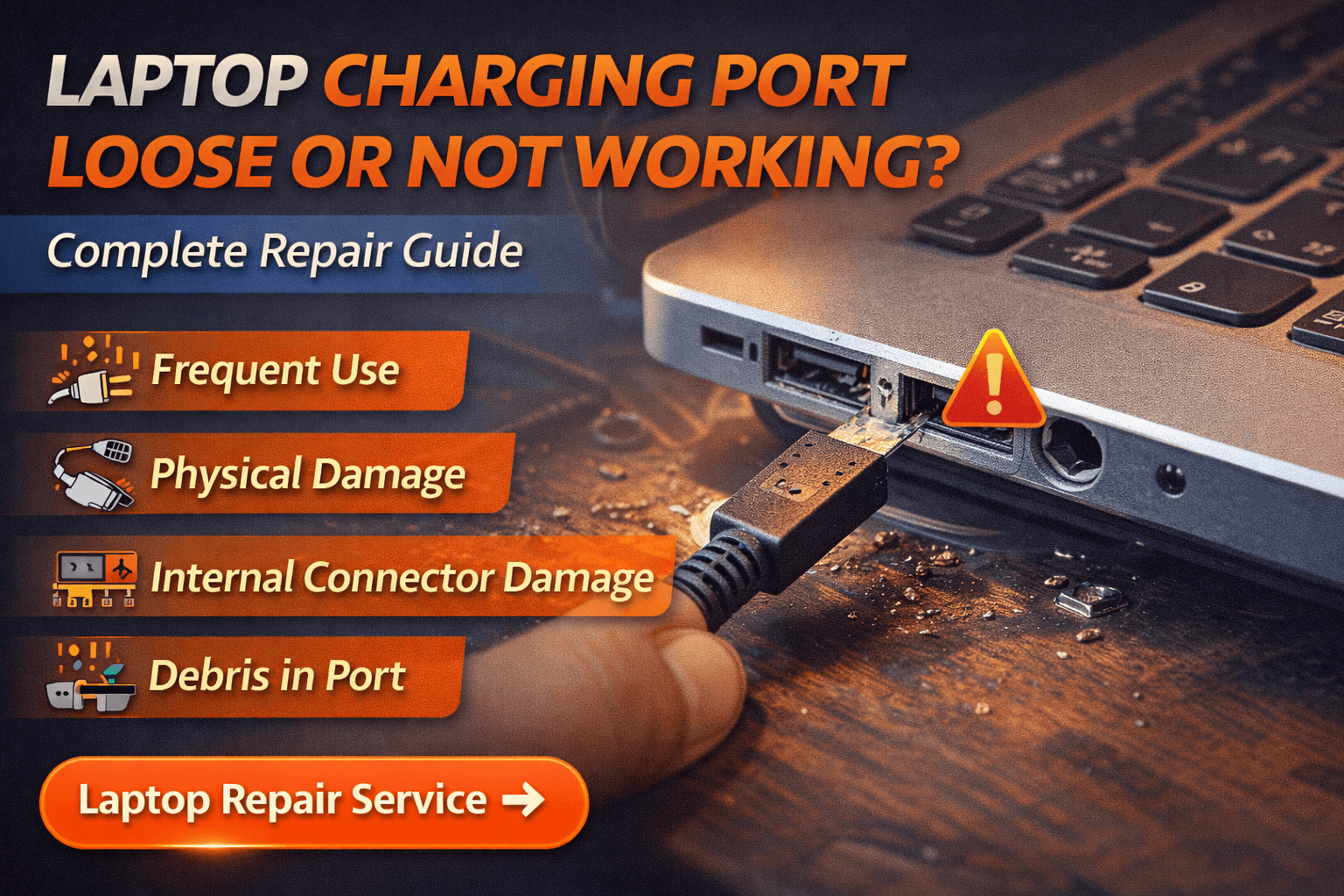
Several reasons can cause a laptop charging port problem:
- Frequent plugging and unplugging of the charger
- Physical damage from pulling the cable forcefully
- Dust or debris stuck inside the charging socket
- Internal solder joints breaking on the motherboard
- Damaged or low-quality charger connector
When any of these issues occur, the laptop may fail to detect power properly, resulting in a laptop charging port loose or not working situation.
Signs Your Laptop Charging Port is Loose or Not Working
Users often ignore early symptoms until the laptop stops charging completely. However, several warning signs indicate a laptop charging port loose or not working issue.
Common symptoms include:
- Charger only works when positioned in a certain direction
- Laptop battery does not charge consistently
- Charging light turns on and off repeatedly
- Charger feels loose inside the port
- Laptop suddenly stops charging even though the adapter works
If you notice any of these symptoms, your laptop charging port loose or not working problem may worsen if not repaired on time.
Laptop Charging Port Loose or Not Working Due to Physical Damage
A major cause of laptop charging port loose or not working problems is physical stress on the charging connector. When the charger cable is pulled accidentally or used while the laptop is moved frequently, the internal connector may loosen.
In many cases, the laptop charging port loose or not working issue occurs because the port’s internal solder joints become weak. Once the connection loosens, the power supply becomes unstable.
Technicians often observe that a laptop charging port loose or not working problem begins with occasional charging interruptions and later becomes a complete charging failure.
Quick Checks for Laptop Charging Port
Before assuming a hardware failure, users can perform basic troubleshooting steps when facing a laptop charging port loose or not working issue.
Try the following checks:
- Inspect the charger cable for physical damage
- Try charging using a different power outlet
- Test the laptop with another compatible adapter
- Carefully check whether dust is blocking the port
- Restart the laptop after reconnecting the charger
Sometimes a laptop charging port loose or not working problem is caused by a faulty charger rather than the port itself.
However, if the laptop charging port loose or not working issue continues, internal inspection is necessary.
Professional Repair for Laptop Charging Port Loose or Not Working
When troubleshooting does not solve the issue, professional technicians diagnose the laptop charging port loose or not working condition using specialized tools.
Repair solutions may include:
- Cleaning and adjusting the charging socket
- Re-soldering the charging connector on the motherboard
- Replacing the charging port module
- Repairing damaged power circuit components
At Maxiple Technology, technicians carefully inspect the laptop before recommending repair. When a laptop charging port loose or not working issue is confirmed, the goal is to repair the port rather than replace expensive components unnecessarily.
This diagnostic approach helps customers resolve laptop charging port loose or not working issues in a cost-effective way.
Laptop Charging Port Loose or Not Working Repair Cost
The repair cost for a laptop charging port problem depends on the laptop model and the extent of the damage.
Typical repair ranges include:
- Charging port cleaning or adjustment: ₹800 – ₹1500
- Charging port replacement: ₹1500 – ₹3500
- Motherboard power circuit repair: ₹2500 – ₹6000
If the laptop charging port issue has damaged the motherboard power circuit, repair may require advanced component-level work.
Laptop Repair Service for Laptop Charging Port Loose or Not Working
If your laptop charging port is loose or not working and troubleshooting does not solve the issue, professional repair is the safest option. A damaged charging port can eventually stop the laptop from powering on completely.
Professional technicians can diagnose the laptop charging port problem and restore proper charging functionality.
Laptop Repair Service in Delhi NCR
https://maxipleitservices.com/laptop-repair-in-delhi/
This service supports most laptop brands and includes proper hardware diagnostics.
Check Reviews Before Choosing Laptop Repair
When facing a laptop charging port loose or not working issue, choosing a reliable repair provider is important. Checking real customer reviews can help verify service quality.
Google Business Profile
https://share.google/tVluKkneY5evsmPRN
Customer feedback helps ensure that the repair service has experience resolving problems.
Final Thoughts
A laptop charging port issue may seem minor initially, but ignoring it can lead to serious power and motherboard problems. Early diagnosis and proper repair can prevent expensive hardware damage.
If your laptop charging port is loose or not working, professional repair can restore stable charging and extend the lifespan of your laptop.