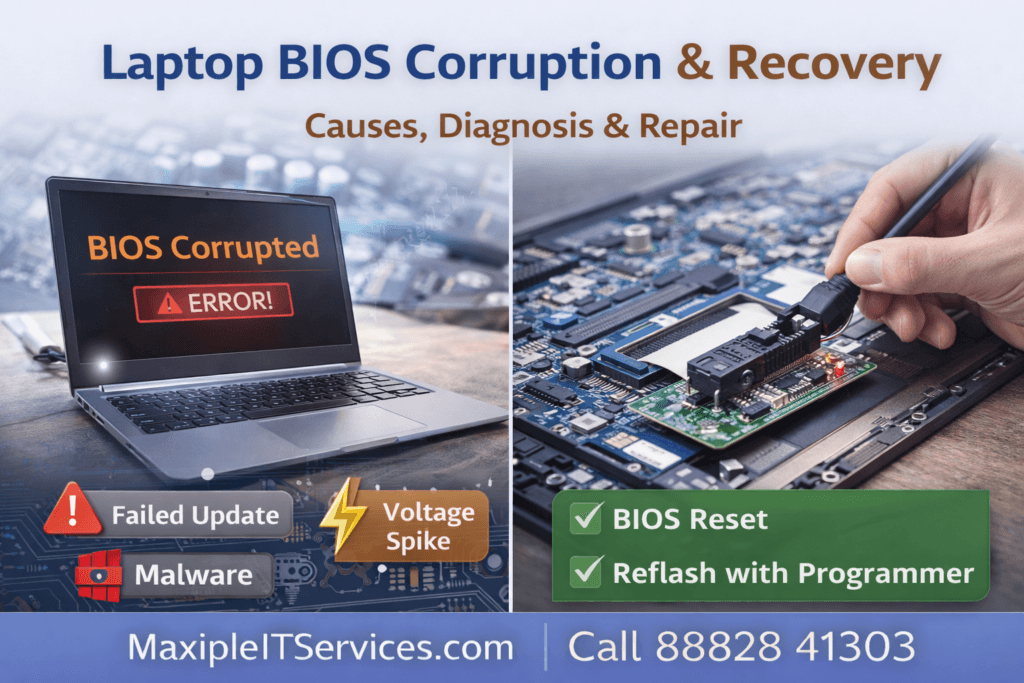
A laptop BIOS corruption is one of the most critical issues a laptop can experience. When a laptop fails to boot, shows a black screen, or repeatedly restarts, the cause is often a corrupted BIOS. Understanding Laptop BIOS Corruption & Recovery is essential to restore your device safely without risking further damage.
At Maxiple IT Services, we provide professional BIOS repair and recovery services for all laptop brands.
🌐 Website: https://maxipleitservices.com/
📞 Call Now: 88828 41303
What Is Laptop BIOS Corruption?
The BIOS (Basic Input/Output System) is firmware embedded on your laptop’s motherboard that initializes hardware during startup. When the BIOS becomes corrupted, your laptop cannot properly start, resulting in symptoms like:
Laptop not booting or freezing on startup
Black screen or blank display
Continuous restarting or beeping sounds
Unable to access BIOS menu
External devices not recognized
Laptop BIOS Corruption & Recovery focuses on diagnosing the cause, repairing firmware, and restoring your laptop to full functionality.
Common Causes of Laptop BIOS Corruption
Several factors can lead to laptop BIOS corruption, including:
1. Interrupted BIOS Update
A power outage or sudden shutdown during a BIOS update can corrupt firmware.
2. Malware or Virus Attack
Some malware specifically targets BIOS, overwriting critical instructions.
3. Faulty Firmware
Manufacturing defects or buggy BIOS updates can result in corruption.
4. Hardware Failure
Damaged CMOS chips, motherboard issues, or battery problems may affect BIOS stability.
5. Incorrect Settings
Manual misconfiguration of BIOS parameters can prevent proper booting.
How to Diagnose Laptop BIOS Corruption
Professional diagnosis of Laptop BIOS Corruption & Recovery includes:
Power-on self-test (POST) check – looking for error beeps or LED codes
External display test – to rule out GPU or screen issues
Motherboard voltage check – ensure CMOS and power rails are functional
Attempt BIOS access – pressing F2, DEL, or manufacturer-specific keys
Bootable USB/BIOS recovery tool – checking if the laptop can boot externally
Correct diagnosis ensures that the recovery process is accurate and prevents data loss.
Laptop BIOS Corruption & Recovery Methods
There are several methods to recover a corrupted BIOS depending on the severity:
1. BIOS Reset Using CMOS Battery
Disconnect power and remove CMOS battery
Wait 5–10 minutes, then reinstall
Restart laptop and attempt to boot
This method works for minor BIOS errors or configuration corruption.
2. BIOS Recovery Using Built-in Recovery Mode
Some laptops support BIOS recovery mode
Create a bootable USB with the correct BIOS firmware
Press recovery key combination (manufacturer-specific)
Laptop will flash the BIOS automatically
This is the safest method for Laptop BIOS Corruption & Recovery without disassembly.
3. Reflashing BIOS Using External Programmer
Requires technical equipment like CH341A programmer
Remove the BIOS chip or use in-system programming
Flash the correct firmware using a computer
This method is used for severe corruption or chip-level damage.
4. Professional Motherboard-Level Repair
For failed BIOS chips, solder-level replacement may be necessary
Professionals can replace or reprogram the BIOS IC safely
Ensures long-term stability and restores laptop to factory functionality
At Maxiple IT Services, we specialize in motherboard-level BIOS recovery for laptops of all brands.
Signs You Need Professional BIOS Recovery
If your laptop exhibits any of the following, seek expert help immediately:
Laptop turns on but never displays anything
Continuous restarting without booting
BIOS inaccessible even after reset
System freezes immediately after POST
Error codes related to firmware
Attempting DIY fixes without proper equipment may cause permanent damage to the motherboard.
Preventing Laptop BIOS Corruption
To reduce the risk of BIOS corruption:
Avoid interrupting BIOS updates
Use a UPS or battery backup during firmware updates
Keep antivirus software updated
Only download firmware updates from the official manufacturer
Avoid manually changing critical BIOS settings unless necessary
Following these precautions ensures Laptop BIOS Corruption & Recovery is rarely needed.
Why Choose Maxiple IT Services for BIOS Recovery
We are a trusted laptop repair service specializing in Laptop BIOS Corruption & Recovery. Our advantages:
Expert motherboard-level repair
Safe BIOS flashing and IC replacement
Minimal downtime and risk
Support for all laptop brands (HP, Dell, Lenovo, Asus, Acer, MSI, Apple)
Affordable and reliable solutions
🌐 https://maxipleitservices.com/
📞 Call 88828 41303 for professional BIOS recovery today.
Conclusion
A corrupted BIOS can render your laptop unusable, but Laptop BIOS Corruption & Recovery is possible with the right approach. Minor issues can be resolved with CMOS resets or built-in recovery modes, while severe corruption may require chip-level repair. Always consult professional technicians to prevent permanent damage.
Trust Maxiple IT Services for safe, expert BIOS recovery that restores your laptop to full functionality.
🌐 https://maxipleitservices.com/
📞 88828 41303