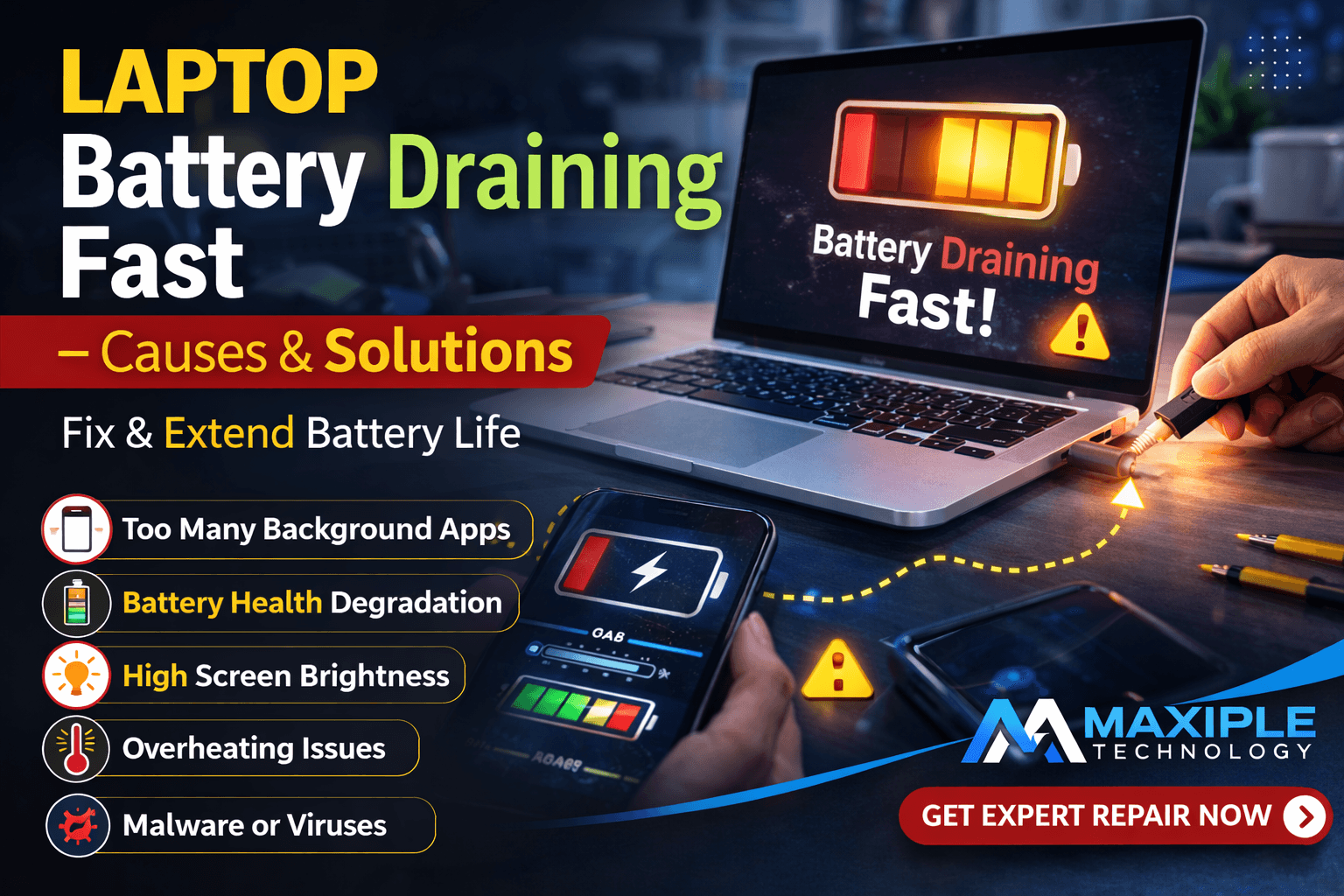
Laptop Battery Draining Fast – Causes & Solutions
A laptop battery that drains quickly can seriously affect productivity. Many users notice that their laptop battery drops from 100% to 20% within a short period even when performing basic tasks. If you are facing this issue, understanding laptop battery draining fast – causes & solutions can help you identify the problem early and extend battery life.
Laptop battery performance naturally declines over time, but sometimes the issue is caused by software settings, background applications, overheating, or hardware faults. In this guide, we will explore the most common laptop battery draining fast – causes & solutions and how you can fix them effectively.
Common Causes of Laptop Battery Draining Fast and Their Solutions
1. Too Many Background Applications
One of the biggest reasons behind laptop battery draining fast – causes & solutions is excessive background applications. Many programs continue running in the background even when you are not actively using them.
Applications like browsers, software updaters, and cloud services consume CPU resources and power continuously.
Signs
Laptop fan running constantly
High CPU usage in Task Manager
Battery draining even when idle
Solution
Close unnecessary applications
Disable startup programs
Use Task Manager to monitor power usage
Managing background apps can significantly reduce the laptop battery draining fast – causes & solutions problem.
2. High Screen Brightness
Display brightness is one of the biggest battery consumers on any laptop. If brightness levels are set too high, your device may experience the laptop battery draining fast – causes & solutions issue.
Many users keep brightness at maximum levels without realizing how much power it consumes.
Solution
Reduce brightness to 50–70%
Enable automatic brightness adjustment
Use dark mode when possible
These small adjustments can greatly improve battery efficiency.
3. Battery Health Degradation
Laptop batteries lose capacity after repeated charging cycles. Over time, the battery cannot hold charge effectively, which leads to the laptop battery draining fast – causes & solutions problem.
Most lithium-ion batteries last around 2–3 years depending on usage.
Signs of battery degradation
Battery drops quickly from 100%
Laptop shuts down unexpectedly
Battery percentage fluctuates
Solution
Run a battery health report
Replace the battery if health is low
At Maxiple Technology, technicians provide professional battery diagnostics and replacement services to resolve the laptop battery draining fast – causes & solutions issue.
You can explore expert laptop repair services here:
https://maxipleitservices.com/
Professional inspection ensures your laptop battery problem is diagnosed accurately.
4. Power Settings Not Optimized
Improper power settings can also contribute to the laptop battery draining fast – causes & solutions problem.
If the laptop is set to high-performance mode, the system consumes more energy to maximize performance.
Solution
Switch to Battery Saver Mode
Reduce screen timeout duration
Enable power optimization settings
Optimizing power settings is a simple way to solve the laptop battery draining fast – causes & solutions issue.
5. Overheating Issues
Overheating forces the system to work harder, which leads to faster battery drain. Dust buildup in cooling vents or malfunctioning fans can cause laptops to overheat and trigger the laptop battery draining fast – causes & solutions problem.
Signs
Laptop becoming hot during normal tasks
Fan running continuously
Performance slowing down
Solution
Clean laptop vents and cooling fans
Avoid using the laptop on beds or cushions
Use cooling pads if necessary
Proper ventilation helps maintain battery efficiency and prevents overheating.
6. Outdated Drivers or Operating System
Software bugs and outdated drivers can cause the system to consume excessive power. This is another overlooked reason behind the laptop battery draining fast – causes & solutions issue.
Solution
Update operating system regularly
Install the latest battery drivers
Update graphics and chipset drivers
Keeping the system updated improves battery optimization and prevents unnecessary battery drain.
7. Malware or Suspicious Programs
Malicious programs can run continuously in the background and consume system resources. This can also cause the laptop battery draining fast – causes & solutions problem.
Signs
Laptop slowing down unexpectedly
Unknown programs running
High CPU usage even when idle
Solution
Run a full antivirus scan
Remove suspicious applications
Install reliable security software
Removing malware can significantly improve battery performance.
Professional Laptop Battery Repair Services
If you continue facing the laptop battery draining fast – causes & solutions problem after trying basic fixes, the issue may be related to internal hardware components such as battery cells or motherboard power circuits.
Professional technicians can diagnose these issues accurately.
Maxiple Technology offers reliable laptop repair services including:
Laptop battery replacement
Motherboard power circuit repair
Charging and battery diagnostics
MacBook and Windows laptop repair
Fast and secure laptop servicing
You can also check service reviews and customer feedback here:
https://share.google/CjaTyEXpJX72nL6LX
Professional repair services ensure the laptop battery draining fast – causes & solutions issue is resolved safely and effectively.
Conclusion
The laptop battery draining fast – causes & solutions issue can occur due to several reasons including background applications, high screen brightness, battery degradation, overheating, and outdated software.
Fortunately, many of these problems can be solved with simple adjustments and proper maintenance. However, if the battery continues draining rapidly, professional diagnostics may be necessary.
Understanding the laptop battery draining fast – causes & solutions allows users to take the right steps to extend battery life and keep their laptops running efficiently.