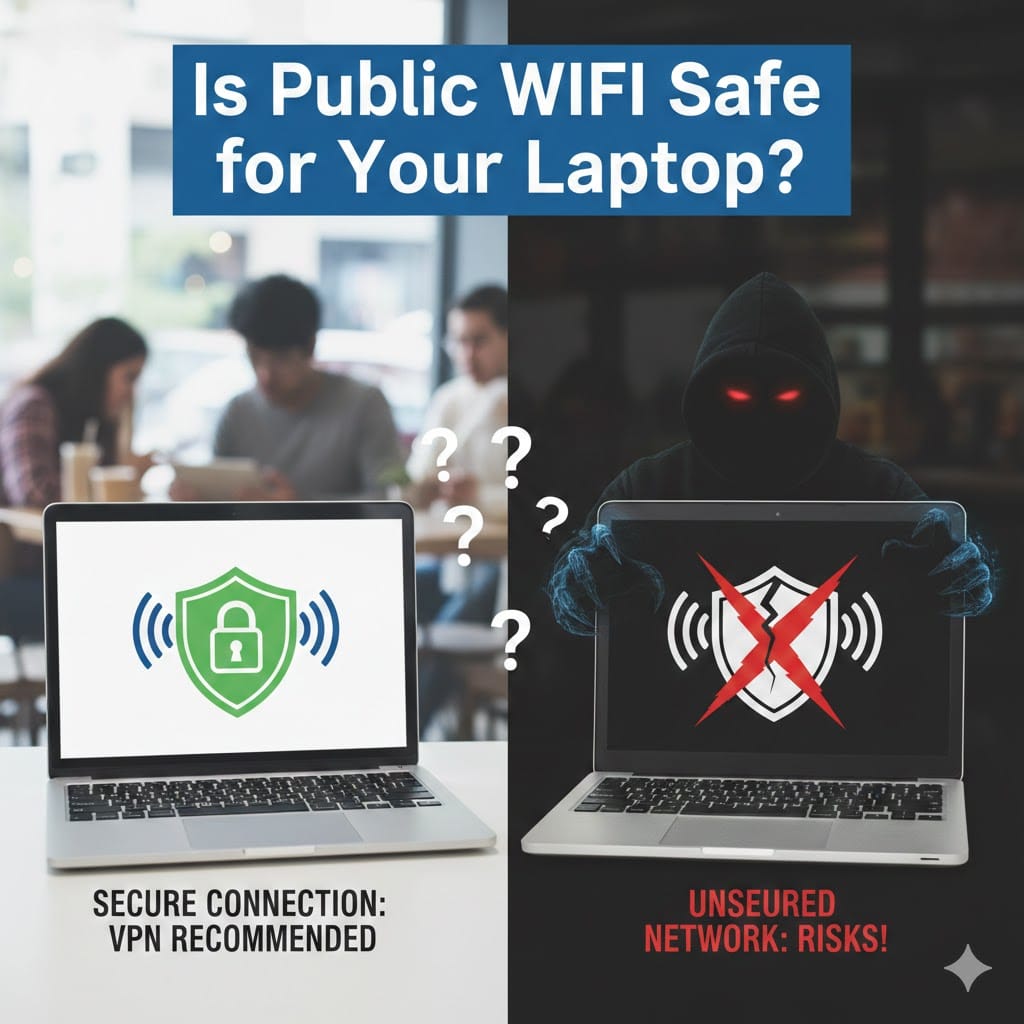
Public WiFi is convenient and widely available in airports, cafes, hotels, and shopping centers. Many people rely on it for work, entertainment, and communication. But is public WiFi safe for your laptop and personal data? This question has become increasingly important as cyber threats continue to rise globally. Hackers often target unsecured public networks to steal sensitive information from unaware users. Understanding the risks and taking proper precautions can protect your device and your data. In this guide, we will explain security risks, prevention methods, and when to seek professional support from Maxiple IT Services (https://maxipleitservices.com/) at 8882841303.
Is Public WiFi Safe for Online Banking and Payments?
Many users access banking websites and payment apps while connected to free WiFi networks. However, is public WiFi safe for handling financial transactions? In most cases, the answer is no unless proper security measures are in place.
Public networks are often unencrypted, making it easier for attackers to intercept transmitted data. Cybercriminals use techniques like packet sniffing to capture login credentials and credit card details. This means your passwords and banking information can be exposed without you realizing it.
Another common risk is the “man-in-the-middle” attack. In this method, hackers secretly intercept communication between your laptop and the website. You may believe you are browsing safely, while your information is actually being monitored.
Using financial apps on public WiFi without protection increases the chance of identity theft. It is always safer to use mobile data or a secure private network when making transactions.
How Hackers Exploit Public Networks
Hackers create fake WiFi hotspots that look similar to legitimate networks. When users connect, attackers gain access to browsing activity and sensitive information. This tactic is commonly used in crowded public places.
Cybercriminals also exploit outdated laptops with missing security updates. Vulnerabilities in operating systems and browsers make devices easier to compromise. Regular updates reduce these risks significantly.
Is Public WiFi Safe Without a VPN?
A Virtual Private Network adds an extra layer of encryption to your connection. But is public WiFi safe if you are not using a VPN? The simple answer is that it becomes significantly riskier.
Without encryption, your online activity may be visible to other users on the same network. Hackers can monitor browsing sessions and capture login credentials. This is especially dangerous for business users handling confidential files.
A VPN encrypts data before it leaves your device. Even if someone intercepts the connection, the information remains unreadable. This protection is essential for remote workers and frequent travelers.
Many free public networks do not use strong security protocols. Connecting without a VPN exposes your laptop to malware distribution and network-based attacks.
Benefits of Using a VPN on Public WiFi
A VPN protects your privacy by masking your IP address. It also secures communication between your laptop and websites you visit.
Businesses often require employees to use VPN services when accessing company systems remotely. This reduces the risk of data breaches and unauthorized access.
Is Public WiFi Safe for Students and Remote Workers?
Students and remote professionals often depend on public WiFi for productivity. However, is public WiFi safe for academic work or confidential business communication? The risks can be serious if precautions are ignored.
Students frequently access email accounts, cloud storage, and learning platforms on shared networks. If accounts are compromised, important academic data can be lost. Password reuse increases the risk further.
Remote workers face even greater threats. Company documents, financial spreadsheets, and client information can be exposed through unsecured connections. A single data breach can damage professional reputation and business credibility.
Using two-factor authentication provides additional security. Even if a password is stolen, attackers cannot access the account without verification.
Secure Practices for Work and Study
Always verify the official network name before connecting. Avoid automatically connecting to available WiFi networks in public areas.
Turn off file sharing settings when using shared networks. This prevents unauthorized users from accessing your files and folders.
Keep antivirus software active and updated. Security tools detect suspicious activities and block potential threats in real time.
Is Public WiFi Safe If Your Laptop Has Antivirus?
Many people assume antivirus software guarantees complete protection. But is public WiFi safe just because antivirus is installed? Unfortunately, antivirus alone cannot prevent all network-based attacks.
Antivirus programs primarily detect malware and harmful files. They do not always protect against data interception or fake WiFi hotspots. Network encryption and safe browsing habits are equally important.
Firewalls add another protective layer by blocking unauthorized access attempts. Enabling your laptop’s built-in firewall reduces vulnerability on public networks.
Regular system updates fix security weaknesses. Outdated software makes your device an easy target for cybercriminals.
Additional Protection Measures
Disable automatic WiFi connections to unknown networks. Manually select trusted connections instead.
Use secure websites that begin with HTTPS. The encryption symbol in your browser indicates safer communication.
Log out of accounts after completing tasks on public networks. This reduces the risk of session hijacking.
Is Public WiFi Safe for Everyday Browsing?
Some users believe casual browsing poses minimal risk. However, is public WiFi safe even for checking social media or reading news? The truth is that even simple activities can expose personal information.
Social media accounts contain private messages and personal details. If compromised, hackers can impersonate you or target your contacts.
Cookies stored in your browser may reveal login sessions. Attackers can exploit these to access your accounts without passwords.
Malicious advertisements on unsecured networks may redirect users to harmful websites. Clicking unknown links increases infection risks.
When to Avoid Public WiFi Completely
Avoid using public WiFi for confidential communication. Sensitive emails and official documents should never be shared over unsecured networks.
If you notice suspicious network names, disconnect immediately. Fake hotspots often mimic legitimate business names.
When in doubt, switch to your mobile hotspot. Personal connections provide stronger security compared to open public networks.
How Maxiple IT Services Can Help Protect Your Laptop
Understanding is public WiFi safe is the first step toward protecting your device. However, professional guidance ensures stronger security and long-term safety.
Maxiple IT Services provides expert laptop security checks and virus removal solutions. Their technicians identify vulnerabilities and recommend effective protection strategies. Whether you are a student, professional, or business owner, securing your laptop should be a priority.
If your laptop has been exposed to suspicious networks, immediate inspection is recommended. Data recovery and malware removal services prevent further damage. For assistance, visit https://maxipleitservices.com/ or call 8882841303 for reliable computer repair and cybersecurity support.
Final Verdict: Is Public WiFi Safe for Your Laptop?
So, is public WiFi safe for your laptop? In most situations, public networks carry significant security risks. While convenient, they can expose sensitive information to cybercriminals.
Using a VPN, enabling firewalls, updating software, and avoiding financial transactions reduce potential threats. Practicing safe browsing habits makes a major difference.
If you suspect your laptop security has been compromised, professional help is essential. Protect your device, safeguard your data, and stay secure wherever you connect.
For trusted laptop repair and cybersecurity services, contact Maxiple IT Services today at 8882841303.