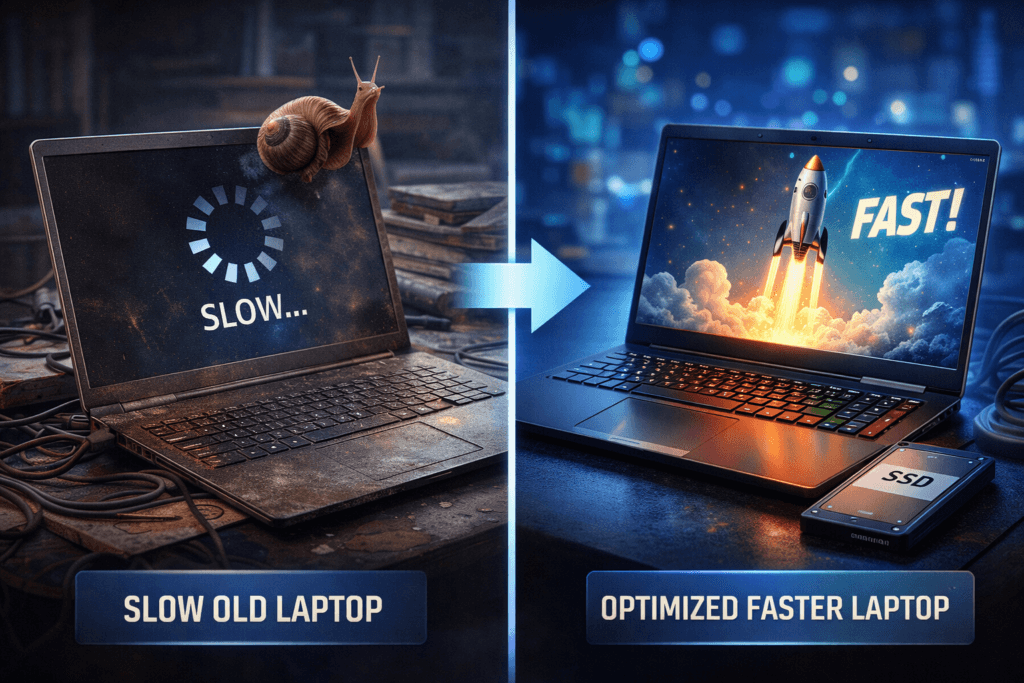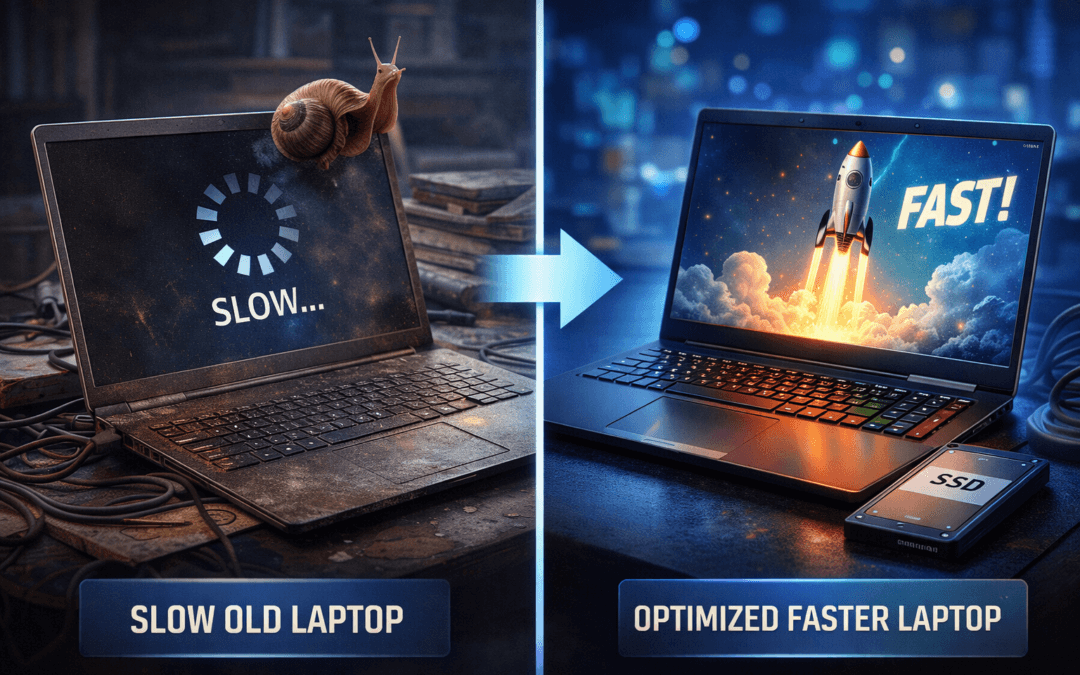
If your computer feels slow and unresponsive, learning how to Speed Up Old Laptop performance can save money and improve productivity. Many users believe replacing their device is the only solution when performance drops significantly. However, several proven methods can restore speed, improve responsiveness, and extend your laptop’s usable lifespan. Over time, unused files, background programs, and outdated software reduce overall system efficiency and performance. Fortunately, optimizing your system properly can make your laptop feel faster and smoother again. Whether you use your laptop for work, study, or gaming, these practical solutions will help you improve performance effectively. For expert assistance, contact Maxiple IT Services at 8882841303 or visit https://maxipleitservices.com/.
Remove Unnecessary Programs
One of the most effective ways to improve performance is removing programs you no longer use or need. Many applications run background services that consume memory, processing power, and system resources continuously.
Uninstall Unused Software
Unused applications occupy valuable storage space and reduce your laptop’s overall processing efficiency significantly. Removing these programs frees system resources and allows your laptop to run faster and more efficiently. Open your control panel or system settings to identify and uninstall unnecessary software safely.
You should also remove trial programs, preinstalled applications, and software you rarely use regularly. This simple step can immediately improve system responsiveness and reduce startup delays noticeably.
Disable Startup Programs to Speed Up Old Laptop
Many applications launch automatically when your laptop starts, slowing down boot time and overall performance. Disabling unnecessary startup programs helps your system load faster and improves responsiveness significantly.
You can manage startup programs using Task Manager on Windows or System Settings on other operating systems. Keep only essential programs enabled to ensure faster startup and better performance.
Clean Storage and Free Disk Space
Storage space plays a crucial role in maintaining smooth system performance and overall laptop responsiveness. A full or cluttered storage drive can significantly slow down your laptop over time.
Delete Temporary Files
Temporary files accumulate from web browsing, software installations, and system updates over extended usage periods. These files consume storage space and reduce system efficiency unnecessarily if not removed regularly.
Use built-in disk cleanup tools or system utilities to remove temporary and unnecessary files safely. This process helps free storage space and improve overall performance immediately.
Organize Files and Storage to Speed Up Old Laptop
Large files, duplicate content, and unorganized folders make your laptop slower and harder to manage effectively. Organizing your files improves system efficiency and allows faster file access and processing.
Move large files to external storage devices or cloud services to free up internal storage space. Maintaining organized storage improves performance and enhances your laptop’s overall usability.
Speed Up Old Laptop with Hardware Upgrades
Hardware upgrades offer one of the most significant performance improvements for older laptops with outdated components. Even small upgrades can dramatically enhance speed, responsiveness, and overall system performance.
Upgrade RAM for Better Multitasking
Increasing RAM improves multitasking performance and allows your laptop to run applications more smoothly. Insufficient memory forces your system to use slower storage instead of faster RAM resources.
Upgrading RAM is affordable and provides immediate performance improvements for most older laptops. This upgrade allows your laptop to handle modern applications more efficiently.
Replace HDD with SSD to Speed Up Old Laptop
Replacing a traditional hard drive with a solid-state drive dramatically improves boot time and overall speed. SSDs provide faster data access, reduced loading times, and improved system responsiveness.
This upgrade offers one of the best performance improvements and extends your laptop’s lifespan significantly. Your laptop will feel much faster and more responsive after installing an SSD.
Optimize System Settings
Optimizing system settings and software configurations improves performance without requiring additional hardware upgrades or investments. These adjustments help your laptop use available resources more efficiently.
Update Operating System to Speed Up Old Laptop
Operating system updates include performance improvements, bug fixes, and security enhancements for better efficiency. Keeping your system updated ensures optimal performance and compatibility with modern applications.
Always install the latest updates to improve speed, stability, and overall system reliability consistently.
Disable Visual Effects
Visual effects and animations consume system resources and reduce performance on older laptops significantly. Reducing these effects improves speed and responsiveness immediately.
You can disable unnecessary animations and visual enhancements through system performance settings easily. This adjustment improves performance without affecting essential functionality.
Speed Up Old Laptop by Managing Background Processes
Background processes consume system resources even when you are not actively using specific applications. Managing these processes improves performance and reduces unnecessary resource consumption effectively.
Close Background Applications to Speed Up Old Laptop
Running multiple applications simultaneously slows down your laptop and reduces overall system responsiveness significantly. Closing unused applications frees memory and improves system performance immediately.
Use Task Manager to identify and close unnecessary programs safely and efficiently.
Scan for Malware to Speed Up Old Laptop
Malware and unwanted programs consume system resources and reduce laptop performance significantly over time. Regular antivirus scans help identify and remove harmful software safely.
Removing malware improves system performance and ensures better security and reliability overall.
Speed Up Old Laptop by Improving Cooling and Maintenance
Proper maintenance and cooling help prevent overheating, which reduces performance and damages internal components over time. Maintaining your laptop properly ensures consistent performance and reliability.
Clean Dust to Speed Up Old Laptop
Dust accumulation blocks airflow and causes overheating, reducing performance and damaging internal components. Cleaning your laptop regularly improves airflow and prevents overheating problems effectively.
Use compressed air carefully to remove dust from vents, fans, and cooling systems safely.
Use Cooling Pads to Speed Up Old Laptop
Cooling pads improve airflow and reduce heat buildup during heavy usage or multitasking activities. Lower temperatures help maintain consistent performance and extend hardware lifespan significantly.
Cooling accessories are affordable and provide noticeable performance improvements for older laptops.
Speed Up Old Laptop with Professional Optimization Services
Sometimes professional optimization provides better results, especially when hardware or software issues are complex. Expert technicians can identify problems and apply advanced optimization techniques safely.
Professional services ensure proper upgrades, system cleanup, and performance optimization for maximum efficiency. They also help extend your laptop’s lifespan and improve overall reliability significantly.
Maxiple IT Services offers expert solutions to Speed Up Old Laptop performance quickly and efficiently. Our professionals provide hardware upgrades, software optimization, and maintenance services for all laptop models.
Contact Maxiple IT Services today at 8882841303 or visit https://maxipleitservices.com/ to improve your laptop performance. Our experts ensure your laptop runs faster, smoother, and more efficiently without replacement.
Conclusion: Speed Up Old Laptop and Extend Its Lifespan
Learning how to Speed Up Old Laptop performance helps you save money and improve productivity significantly. Simple steps like removing unnecessary programs, upgrading hardware, and optimizing system settings improve speed effectively.
Regular maintenance, storage cleanup, and malware protection ensure consistent performance and long-term reliability. These methods help your laptop perform efficiently without requiring expensive replacements.
If you want professional assistance, Maxiple IT Services provides reliable solutions tailored to your needs. Call 8882841303 today and let experts help restore your laptop’s speed and performance.