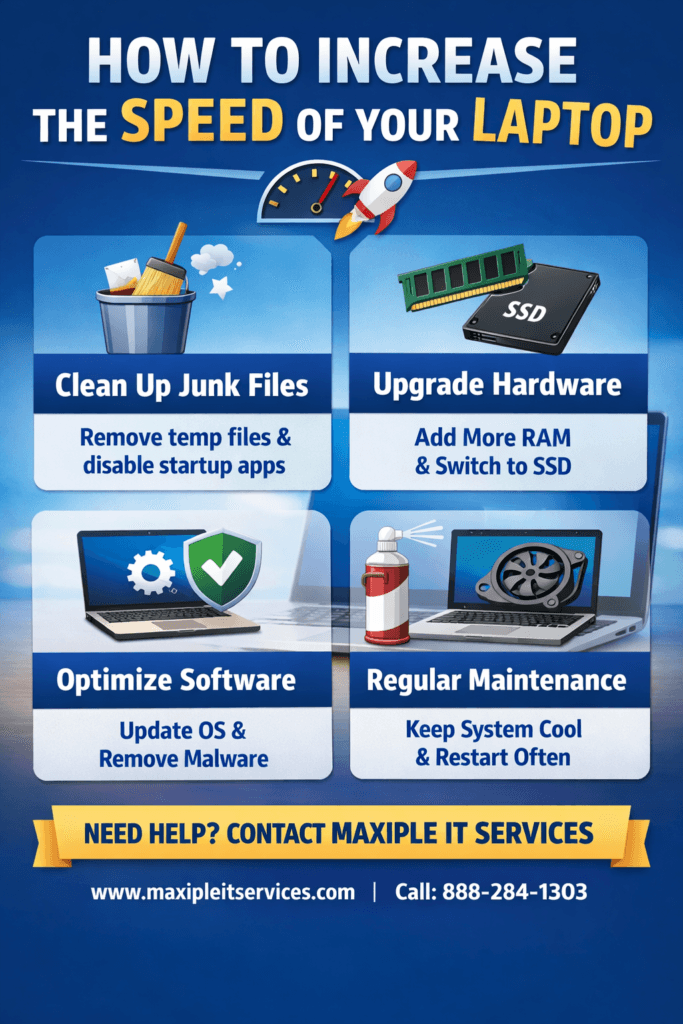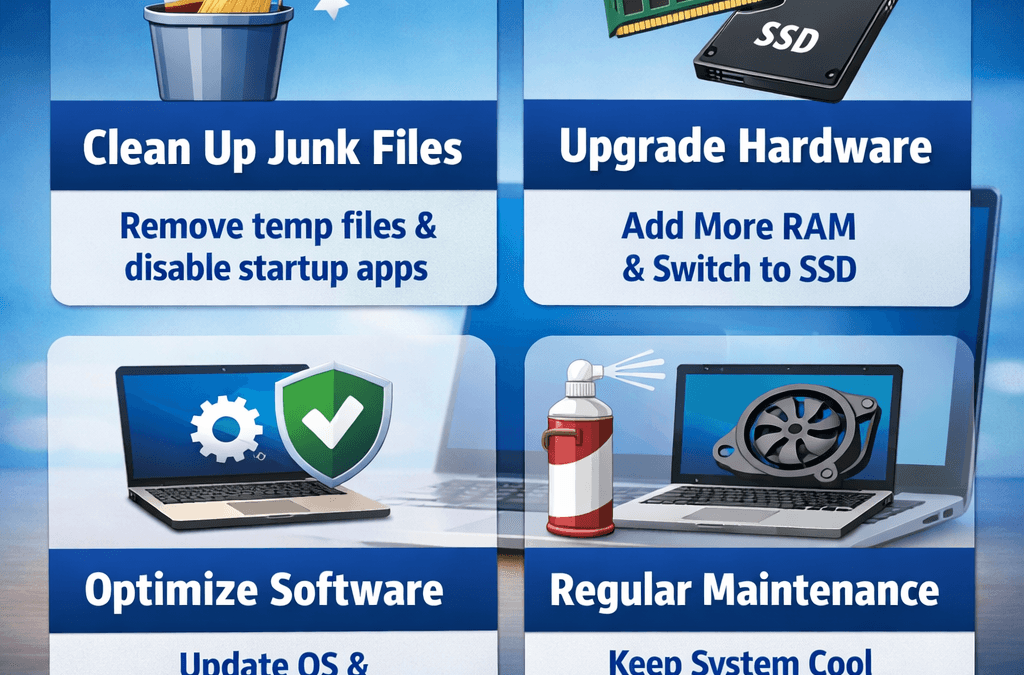
If your laptop feels slow and unresponsive, you are not alone. Many users struggle with delayed startups, lagging applications, and freezing screens. Fortunately, there are proven ways to improve performance without buying a new device. In this guide, we explain how to increase laptop speed using practical and effective methods. Whether your system is old or recently purchased, proper optimization can dramatically enhance performance. At Maxiple IT Services, we help customers resolve performance issues quickly and professionally. If you need expert assistance, visit https://maxipleitservices.com/ or call 8882841303 for reliable support and solutions tailored to your needs.
How to Increase Laptop Speed with Basic Cleanup
One of the easiest ways to improve performance is by performing a basic system cleanup. When unnecessary files accumulate, your system becomes slower and less responsive. Understanding how to increase laptop speed starts with removing clutter and organizing storage efficiently.
Temporary files, cached data, and unused applications consume valuable disk space. These files also increase background processing load. Removing them regularly ensures smoother operation and faster boot times.
You should uninstall programs that you no longer use. Many applications automatically run in the background and consume memory. Disabling startup programs can significantly reduce system load during boot.
Clean Temporary Files
Temporary files accumulate over time and reduce available storage capacity. Use built-in disk cleanup tools to remove unnecessary files safely. This process frees space and improves response speed.
Manage Startup Programs
Many applications automatically start when the laptop boots. Disable non-essential startup programs to reduce loading time. This simple adjustment noticeably improves system responsiveness.
Speed by Upgrading Hardware
If cleanup does not solve performance issues, hardware upgrades may be necessary. Learning how to increase laptop speed sometimes requires investing in better components. Upgrading hardware can dramatically enhance overall performance.
Increasing RAM is one of the most effective upgrades. More memory allows smoother multitasking and reduces freezing during heavy applications. Systems with insufficient RAM often struggle under workload pressure.
Replacing a traditional hard drive with a solid-state drive significantly improves performance. SSDs offer faster data access speeds and quicker boot times. This upgrade alone can make an old laptop feel brand new.
Upgrade RAM for Better Multitasking
Adding more RAM improves processing efficiency and application performance. It prevents system slowdowns caused by memory overload. This upgrade is cost-effective and highly recommended.
Install a Solid-State Drive
SSDs provide faster read and write speeds than traditional hard drives. Installing one improves startup time and file access speed dramatically. It also enhances overall system reliability.
Speed with Software Optimization
Software optimization is another critical factor in performance improvement. Knowing how to increase laptop speed includes maintaining your operating system and drivers. Updated software ensures compatibility and efficient resource usage.
Operating system updates often include performance enhancements and security patches. Keeping your system updated prevents vulnerabilities and improves stability. Regular updates contribute to smoother performance.
You should also update device drivers periodically. Outdated drivers can cause hardware inefficiencies and slow response times. Updated drivers enhance communication between hardware and software components.
Remove Malware and Viruses
Malware infections significantly slow down system performance. Run reliable antivirus software to detect and remove threats. Clean systems operate faster and more securely.
Adjust Visual Effects
Operating systems include visual effects that consume processing power. Reducing animations and transparency improves performance. Adjusting these settings can noticeably increase responsiveness.
through Maintenance Practices
Regular maintenance is essential for long-term performance. Understanding how to increase laptop speed involves adopting healthy usage habits. Proper care prevents gradual slowdowns and hardware damage.
Keep your laptop physically clean and well-ventilated. Dust accumulation blocks airflow and causes overheating. Overheating forces processors to throttle performance and reduces efficiency.
Restart your laptop regularly to clear memory usage. Continuous operation without rebooting increases system strain. Scheduled restarts refresh system processes and improve responsiveness.
Maintain Proper Storage Levels
Avoid filling your storage drive completely. Systems operate best when at least twenty percent of storage remains free. Sufficient space allows smooth temporary file processing.
Use Trusted Applications Only
Installing unknown software increases risk and system load. Use only trusted and necessary applications for better performance. This reduces background processes and potential security issues.
Professional Support for
Sometimes performance issues require expert diagnosis and professional repair. If you are unsure about how to increase laptop speed, professional support ensures safe and efficient solutions. Technical experts can identify hardware limitations and system conflicts accurately.
Maxiple IT Services provides comprehensive laptop optimization services. Our specialists diagnose issues and implement advanced performance solutions quickly. We ensure your device operates efficiently and reliably.
We assist with hardware upgrades, malware removal, and system configuration. Our team uses professional tools to enhance performance safely. Customer satisfaction and fast turnaround remain our priorities.
If your laptop continues to perform slowly despite maintenance efforts, professional intervention may be necessary. Visit https://maxipleitservices.com/ or call 8882841303 today for expert assistance.
Conclusion
Improving performance does not always require purchasing a new device. By understanding how to increase laptop speed, you can apply effective strategies that restore responsiveness and reliability. Basic cleanup, hardware upgrades, and software optimization significantly enhance performance.
Regular maintenance prevents future slowdowns and extends your laptop’s lifespan. When issues persist, professional support ensures accurate diagnosis and efficient solutions.
For trusted and affordable laptop speed optimization services, contact Maxiple IT Services today at 8882841303 or visit https://maxipleitservices.com/. Your faster, smoother laptop experience starts now.