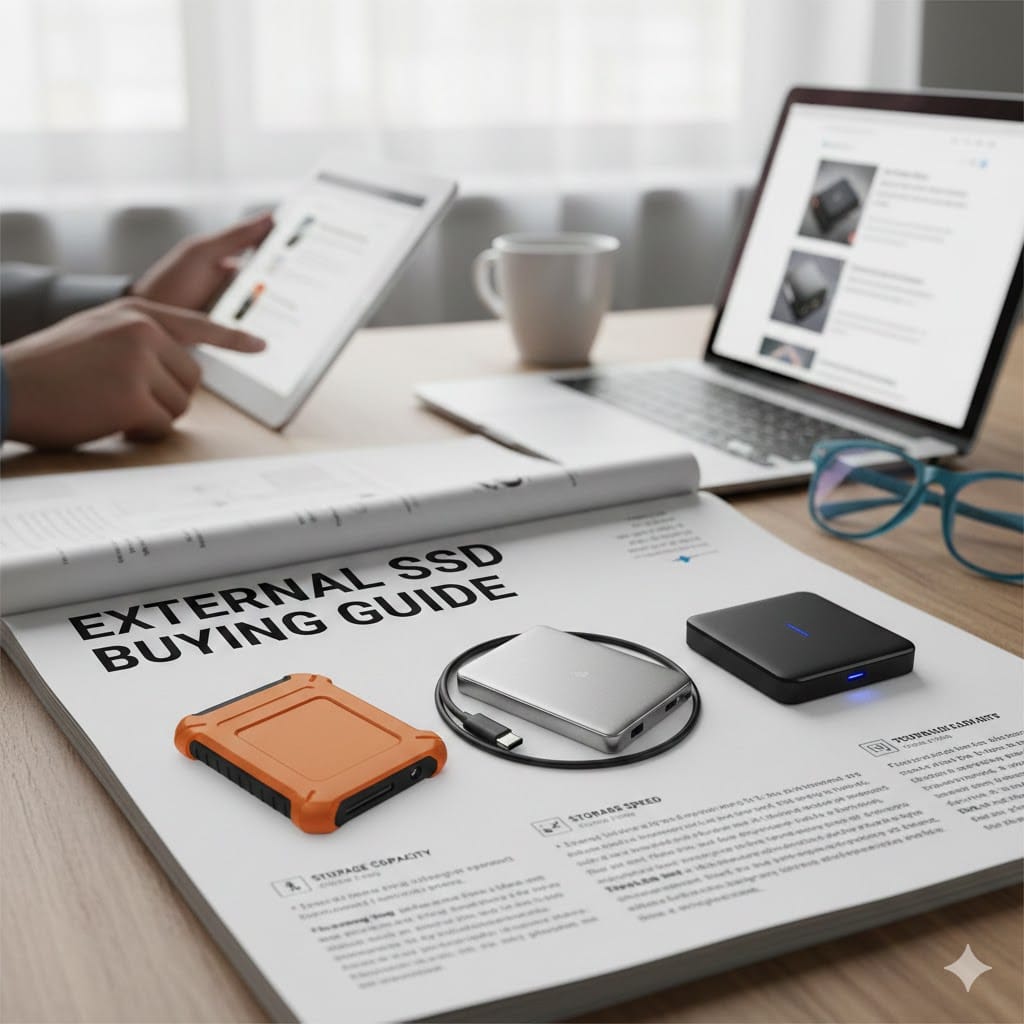
If you are searching for the perfect External SSD Buying Guide, you are likely overwhelmed by countless options online. External solid state drives have become essential for professionals, gamers, students, and businesses handling large files daily. Compared to traditional hard drives, SSDs deliver faster speeds, better durability, and improved portability. However, choosing the right model requires understanding storage capacity, speed standards, compatibility, and security features. In this detailed guide by Maxiple IT Services (https://maxipleitservices.com/), we simplify every technical factor so you can confidently select the best external SSD for your needs. For expert assistance, feel free to contact us at 8882841303.
Why You Need an External SSD Buying Guide Before Purchasing
Buying storage without proper research often leads to performance issues and compatibility problems. An external SSD offers significantly faster read and write speeds than traditional HDDs. This means quicker file transfers, smoother video editing, and better gaming performance.
Additionally, SSDs contain no moving parts, making them more durable and resistant to shocks. If you frequently travel or work remotely, this durability becomes especially valuable. They are also compact and lightweight, fitting easily into laptop bags.
Another reason to follow an External SSD Buying Guide is data security. Many modern SSDs include encryption features that protect sensitive information. Businesses handling confidential files should prioritize this feature when selecting storage devices.
External SSD Buying Guide: Understanding Storage Capacity
Storage capacity is one of the most important considerations when selecting an external SSD. Choosing the wrong size may result in insufficient space or unnecessary expenses.
How Much Storage Do You Really Need?
If you primarily store documents and light media files, a 500GB SSD may be sufficient. For gamers and content creators working with large video files, 1TB or 2TB options are more practical.
Professionals managing 4K video projects, design assets, or business backups should consider higher capacities. While larger storage drives cost more, they provide long-term convenience and scalability.
Always estimate your storage needs for the next two to three years. This ensures your investment remains useful without frequent upgrades.
External SSD Buying Guide: Speed and Performance Explained
Speed is the main reason most users upgrade to an SSD. However, not all SSDs offer the same performance levels.
USB Standards and Transfer Speeds
External SSD speed largely depends on the USB interface. USB 3.2 Gen 1 supports up to 5Gbps, while USB 3.2 Gen 2 can reach 10Gbps. Some high-end models even support Thunderbolt connections for exceptional speeds.
If your laptop only supports USB 3.0, buying a Thunderbolt SSD may not provide full performance benefits. Always check your system compatibility before purchasing.
For video editors and gamers, higher read and write speeds significantly reduce load times. Casual users may not need top-tier performance, making mid-range options cost-effective.
External SSD Buying Guide: Compatibility and Device Support
Before purchasing, confirm that the SSD is compatible with your devices. Many users overlook this critical factor.
Windows, macOS, and Gaming Console Compatibility
Most SSDs work with both Windows and macOS systems. However, some drives require formatting before use. If you plan to switch between operating systems frequently, choose an SSD that supports cross-platform compatibility.
Gamers should verify compatibility with consoles such as PlayStation or Xbox. Not all external SSDs function seamlessly with gaming systems.
If you use smartphones or tablets for work, ensure the SSD supports USB-C connectivity. This increases versatility and convenience.
External SSD Buying Guide: Build Quality and Durability
Durability matters, especially if you carry your SSD daily. A reliable External SSD Buying Guide always emphasizes build quality.
Shock Resistance and Water Protection
Many premium SSDs feature rugged designs with shockproof and water-resistant protection. These features protect data from accidental drops or spills.
Aluminum casings help with heat dissipation, improving performance during heavy file transfers. Plastic builds are lighter but may lack durability.
If you work outdoors or travel frequently, investing in a rugged SSD ensures long-term reliability. Businesses should prioritize durability to minimize data loss risks.
External SSD Buying Guide: Security and Encryption Features
Data security is increasingly important for individuals and businesses alike. An External SSD Buying Guide should highlight encryption and password protection.
Hardware Encryption vs Software Encryption
Some SSDs include built-in hardware encryption for advanced security. This method protects data without slowing down performance.
Software encryption is another option, but it may slightly impact transfer speeds. If you store confidential business documents, hardware encryption is recommended.
Look for drives offering AES 256-bit encryption standards. This level of protection ensures sensitive files remain secure from unauthorized access.
External SSD Buying Guide: Budget and Value Considerations
Price plays a major role in any purchasing decision. However, focusing only on cost may lead to compromises in quality.
Balancing Cost and Performance
Entry-level SSDs are suitable for basic storage needs. Mid-range options offer better speed and durability at reasonable prices. High-end SSDs provide premium features such as advanced encryption and ultra-fast transfer speeds.
When comparing prices, evaluate performance per gigabyte rather than just total cost. A slightly higher investment often ensures better reliability and longevity.
At Maxiple IT Services, we help customers choose SSDs that match both performance expectations and budget requirements. Call 8882841303 for personalized recommendations.
External SSD Buying Guide: Brand Reliability and Warranty
Brand reputation directly impacts product reliability. Always purchase from trusted manufacturers with proven track records.
Importance of Warranty and Customer Support
A minimum three-year warranty is standard for quality SSDs. Some premium brands offer up to five years of coverage.
Reliable customer support ensures quick resolution if technical issues arise. Before purchasing, check online reviews and warranty terms carefully.
Buying from a trusted provider like Maxiple IT Services (https://maxipleitservices.com/) guarantees authentic products and professional guidance throughout the purchase process.
Final Thoughts on This External SSD Buying Guide
Choosing the right storage solution does not have to be complicated. By following this comprehensive External SSD Buying Guide, you can confidently evaluate capacity, speed, compatibility, durability, security, and budget. Each factor plays a crucial role in ensuring long-term satisfaction and reliable performance.
External SSDs are ideal for professionals, gamers, students, and businesses seeking faster and safer storage solutions. Investing in the right device improves productivity and protects valuable data.
If you need expert advice or want help selecting the perfect external SSD, contact Maxiple IT Services today at 8882841303. Our specialists are ready to guide you toward the best storage solution tailored to your needs.https://maxipleitservices.com/