Losing important files due to hard drive failure can be stressful. Data recovery from damaged laptop hard drive is a critical solution when your laptop stops working, files disappear, or the system fails to boot. At Maxiple IT Services (https://maxipleitservices.com/), we specialize in professional data recovery from damaged laptop hard drive solutions to help users recover valuable data safely. For immediate assistance, call +91 88828 41303.
In this detailed guide, you’ll learn what causes hard drive damage, signs of failure, recovery methods, and when to seek professional help for data recovery from damaged laptop hard drive.
What Is Data Recovery from a Damaged Laptop Hard Drive?
Data recovery from damaged laptop hard drive is the process of retrieving lost, inaccessible, or corrupted data from a laptop hard disk or SSD that is no longer functioning properly. Damage can be physical, logical, or electronic, and each type requires a different recovery approach.
Recovering data early increases success rates and reduces permanent data loss.
Common Causes of Laptop Hard Drive Damage
Understanding the cause helps determine the best data recovery from damaged laptop hard drive method.
Physical Damage
Laptop drops or shocks
Water or liquid spills
Overheating
Internal component wear
Logical Damage
File system corruption
Accidental deletion
Virus or malware attacks
OS crashes
Electrical Damage
Power surges
Faulty charging adapters
Short circuits
Signs You Need Data Recovery from a Damaged Laptop Hard Drive
Watch for these warning signs:
Laptop not booting
Clicking or grinding noises
Files missing or unreadable
Hard drive not detected in BIOS
Frequent system crashes
“Operating system not found” error
If you notice these signs, stop using the laptop immediately to prevent further damage and increase the chances of data recovery from damaged laptop hard drive.
Types of Laptop Hard Drives and Recovery Challenges
HDD (Hard Disk Drive)
Mechanical parts
More prone to physical damage
Clicking sound indicates head damage
SSD (Solid State Drive)
No moving parts
Faster but complex recovery
Data encryption may limit recovery
Each drive type requires specialized tools and expertise for safe data recovery from damaged laptop hard drive.
Can You Recover Data from a Damaged Laptop Hard Drive at Home?
Some minor cases allow DIY recovery, but caution is essential.
When DIY Recovery Is Possible
Accidental file deletion
Logical corruption
Drive still detected
You can use:
Data recovery software
External USB enclosures
Disk cloning tools
When NOT to Try DIY Recovery
Clicking or burning smell
Water-damaged drives
Drive not detected
Severe physical damage
In these cases, professional data recovery from damaged laptop hard drive is the safest option.
Step-by-Step Process of Professional Data Recovery
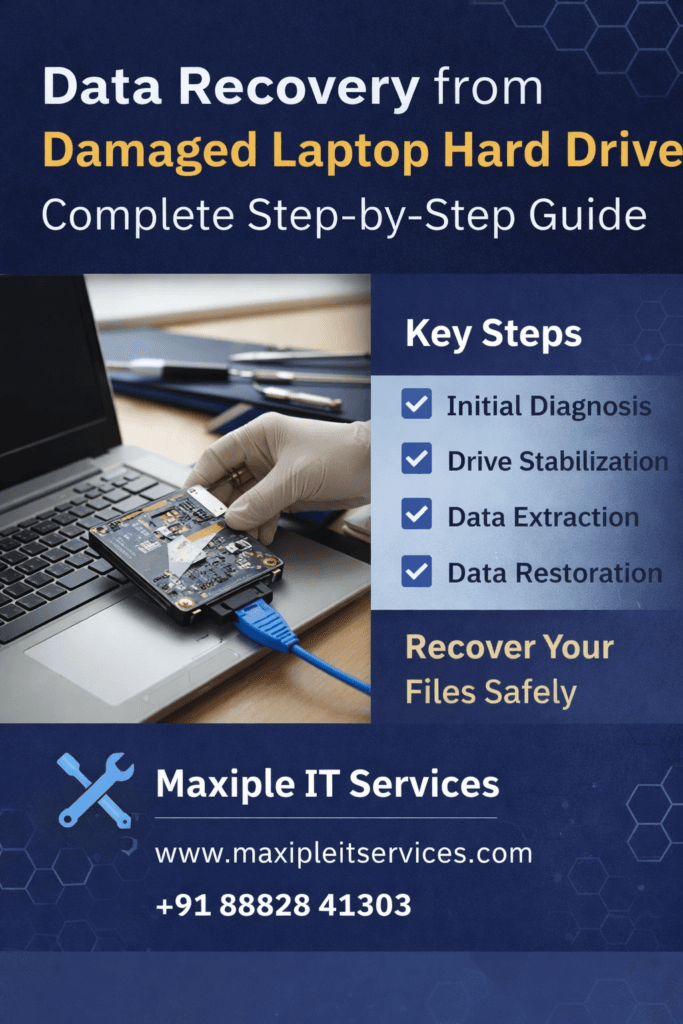
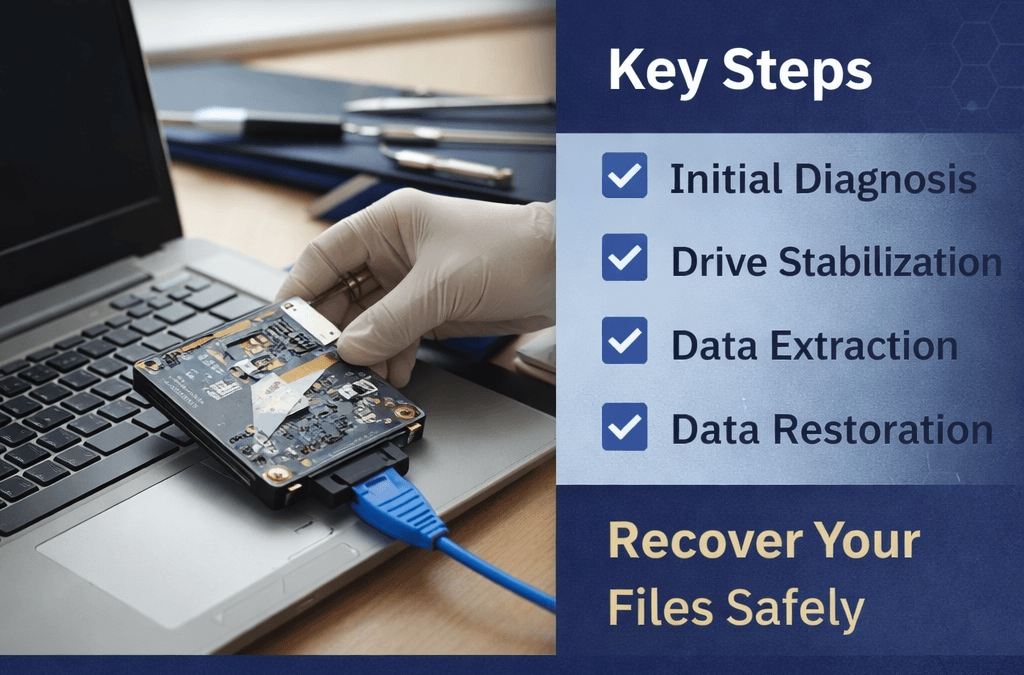
Step 1: Diagnosis
Technicians analyze the type and extent of damage.
Step 2: Drive Stabilization
For physically damaged drives, components are repaired or stabilized.
Step 3: Secure Data Extraction
Advanced tools are used to extract raw data safely.
Step 4: Data Reconstruction
Files are rebuilt and verified for integrity.
Step 5: Data Delivery
Recovered data is provided via external drive or cloud storage.
At Maxiple IT Services, we follow industry-standard procedures for secure data recovery from damaged laptop hard drive.
Why Professional Data Recovery Is Important
Professional recovery ensures:
Higher success rate
No further damage
Confidential data handling
Advanced recovery tools
Attempting untrained repairs can permanently destroy data. Trust experts for data recovery from damaged laptop hard drive.
How Much Does Data Recovery from a Damaged Laptop Hard Drive Cost?
Costs vary based on:
Type of damage
Drive capacity
HDD vs SSD
Urgency of recovery
Logical recovery is usually affordable, while physical recovery may cost more due to specialized equipment. For exact pricing, contact +91 88828 41303.
How to Prevent Future Laptop Hard Drive Data Loss
Prevention is always better than recovery.
Best Practices
Regular data backups
Use surge protectors
Avoid physical shocks
Keep laptop cool and clean
Install antivirus software
These steps reduce the need for data recovery from damaged laptop hard drive in the future.
Why Choose Maxiple IT Services for Data Recovery?
Maxiple IT Services offers reliable, secure, and professional data recovery from damaged laptop hard drive solutions