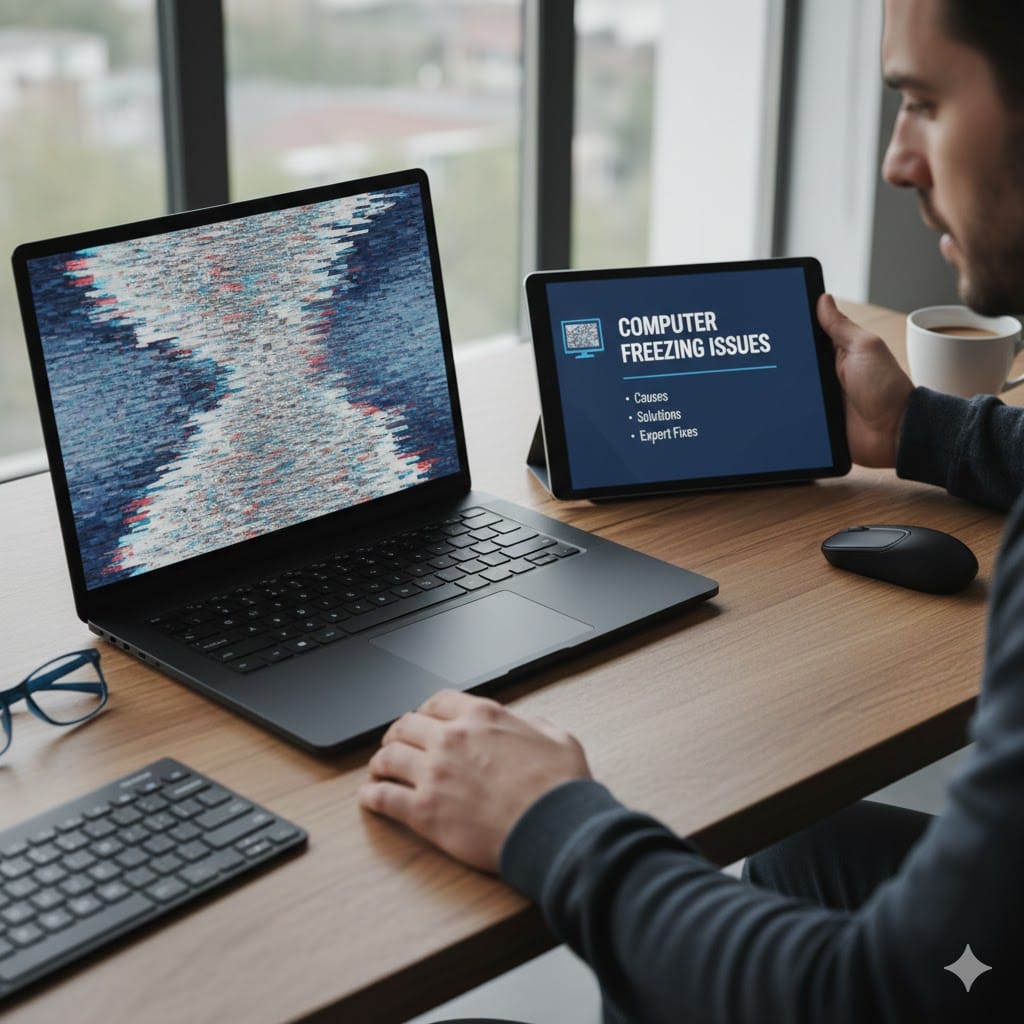
Computer freezing issues are one of the most common and frustrating problems faced by users today. Whether your system freezes while working, browsing the internet, or during startup, it can seriously affect productivity and even lead to data loss. Many users ignore early signs of freezing, assuming it’s a temporary glitch—but in reality, it often points to deeper hardware or software problems.
In this blog, we’ll explain why computer freezing issues happen, how you can fix them, and when it’s time to seek professional computer repair services.
What Are Computer Freezing Issues?
Computer freezing issues occur when your system becomes unresponsive. The mouse stops moving, applications don’t respond, and sometimes the screen completely locks up. This can happen occasionally or repeatedly, depending on the root cause.
Freezing can affect:
Windows PCs
Laptops
Desktops
Office systems
Home computers
Ignoring frequent freezing may lead to permanent damage or system failure.
Common Causes of Computer Freezing Problems
Understanding the cause is the first step toward fixing computer freezing issues.
1. Insufficient RAM or Overloaded Memory
When your computer runs too many applications at once, it may not have enough RAM to handle the load. This is a very common reason for freezing, especially on older systems.
2. Overheating Hardware
Dust buildup, faulty fans, or poor ventilation can cause overheating. When the CPU or GPU overheats, the system freezes to protect itself from damage.
3. Hard Drive Issues
Bad sectors, slow HDDs, or failing SSDs can result in system lag and freezing. Disk-related problems often worsen over time.
4. Corrupted or Outdated Drivers
Drivers allow your hardware to communicate with your operating system. Outdated or corrupt drivers often cause random freezes and crashes.
5. Malware or Virus Infections
Malware consumes system resources silently. If your computer freezes frequently, especially when connected to the internet, malware could be the reason.
How to Fix Computer Freezing Issues at Home
Some computer freezing issues can be fixed without professional help.
Close Unnecessary Programs
Open Task Manager and close apps using high CPU or memory. This reduces system load instantly.
Check for Overheating
Clean vents, ensure fans are working, and avoid using your computer on soft surfaces like beds or sofas.
Update Drivers and Windows
Always keep your operating system and drivers updated. Updates often fix bugs that cause freezing.
Run a Virus Scan
Use a trusted antivirus tool to scan and remove malware or suspicious programs.
Free Up Disk Space
Low storage can slow down your system. Delete unused files or move data to an external drive.
When Computer Freezing Issues Need Professional Repair
If freezing continues even after basic troubleshooting, professional assistance is necessary.
Signs You Need Expert Help
Computer freezes during startup
Frequent blue screen errors
System freezes even when idle
Loud fan noise or overheating
Data loss or corrupted files
At this stage, DIY fixes may worsen the problem.
Professional Computer Repair Services for Freezing Problems
Professional technicians use advanced diagnostic tools to identify the exact cause of computer freezing issues. They check:
RAM health
Hard drive performance
CPU temperature
Power supply stability
Software conflicts
This ensures a permanent and safe solution rather than temporary fixes.
Why Choose Maxiple IT Services for Computer Freezing Issues?
If you are facing persistent computer freezing issues, Maxiple IT Services offers reliable and affordable solutions.
Our Expertise Includes:
Computer freezing and lag issues
Laptop repair and optimization
Hardware upgrades (RAM, SSD)
Virus and malware removal
Windows installation and repair
Why Clients Trust Us:
Experienced technicians
Quick diagnosis
Transparent pricing
Professional service
🌐 Website: https://maxipleitservices.com/
📞 Phone: +91 88828 41303
We handle both home users and business systems with equal care.
Benefits of Fixing Computer Freezing Issues Early
Fixing freezing problems early can:
Improve system speed
Prevent data loss
Extend hardware lifespan
Reduce repair costs
Increase productivity
Delaying repairs often leads to more expensive hardware replacements later.
Tips to Prevent Computer Freezing in the Future
Prevention is always better than repair.
Keep your system clean and dust-free
Install software only from trusted sources
Avoid overloading startup programs
Use licensed antivirus software
Upgrade RAM or SSD if needed
Regular maintenance keeps your computer running smoothly.
Final Thoughts
Computer freezing issues should never be ignored. What starts as a minor inconvenience can quickly turn into a major system failure. By understanding the causes and taking timely action, you can protect your data and improve system performance.
If basic fixes don’t work, don’t risk your system—contact professionals who can diagnose and resolve the issue correctly.
For fast and reliable help with computer freezing issues, reach out to Maxiple IT Services today.
🌐 https://maxipleitservices.com/
📞 +91 88828 41303