Introduction
Choosing the right laptop can be confusing, especially when comparing a Chromebook vs Windows laptop for daily use. Both options serve different purposes and attract different types of users. Chromebooks are known for simplicity, speed, and cloud-based functionality, while Windows laptops offer flexibility, power, and compatibility with a wide range of software. Understanding the strengths and weaknesses of each device helps you make a smarter buying decision. Whether you are a student, professional, or casual user, knowing how a Chromebook vs Windows laptop performs in real-world situations is essential. This detailed comparison breaks down performance, software, pricing, security, and usability to help you decide which laptop fits your needs best.
Chromebook vs Windows Laptop: Basic Overview
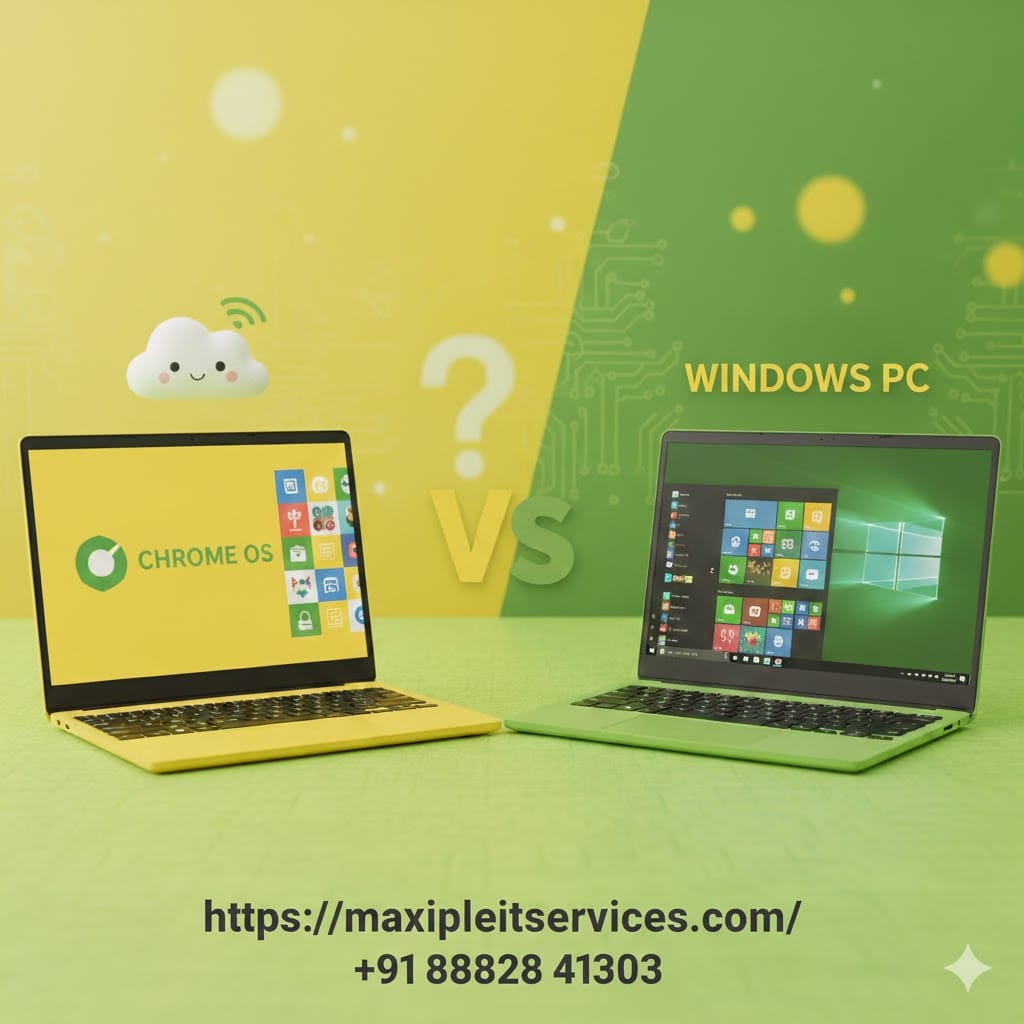
When comparing a Chromebook vs Windows laptop, the main difference lies in the operating system. Chromebooks run on Chrome OS, designed primarily for internet-based tasks. Windows laptops use Microsoft Windows, offering extensive offline functionality.
Chromebooks rely heavily on web apps and cloud storage. Windows laptops support full desktop software and complex applications. Each system targets a different type of user with specific expectations.
What Is a Chromebook?
A Chromebook is a lightweight laptop running Chrome OS. It is optimized for web browsing, online tools, and cloud computing. Most apps are accessed through the Chrome browser or Android app support.
Chromebooks boot quickly and require minimal maintenance. They are popular among students and users who spend most of their time online.
What Is a Windows Laptop?
A Windows laptop runs Microsoft Windows and supports traditional desktop applications. It is suitable for professional work, gaming, programming, and creative tasks.
Windows laptops offer broader hardware options and customization. They are commonly used in offices, businesses, and advanced personal setups.
Chromebook vs Windows Laptop: Performance Comparison
Performance is a major factor when choosing a Chromebook vs Windows laptop. The way each device handles tasks differs significantly.
Chromebooks are built for speed in simple tasks. Windows laptops are designed for multitasking and heavy workloads.
Chromebook Performance Strengths
Chromebooks perform extremely well for browsing, streaming, and document editing. Chrome OS uses fewer system resources, resulting in smooth operation even on low-end hardware.
They start quickly and rarely slow down over time. This makes them ideal for basic users and students.
Windows Laptop Performance Power
Windows laptops handle demanding software like Photoshop, AutoCAD, and video editors. They support advanced multitasking and high-performance processors.
Gamers and professionals benefit from dedicated graphics cards and larger memory options. This flexibility gives Windows laptops a performance edge.
Chromebook vs Windows Laptop: Software and Apps
Software availability plays a critical role in the Chromebook vs Windows laptop debate. The type of applications you need can decide the winner instantly.
Chromebooks are web-focused, while Windows laptops support traditional and modern software equally.
Chromebook Software Limitations
Chromebooks primarily use web apps and Android applications. Offline functionality is limited for many programs.
Professional software support is minimal. This restricts Chromebooks from advanced design or engineering tasks.
Windows Laptop Software Flexibility
Windows laptops support thousands of desktop programs and enterprise tools. Users can install almost any software they need.
From accounting to gaming, Windows provides unmatched software compatibility. This makes it a preferred choice for professionals.
Chromebook vs Windows Laptop: Pricing and Value
Budget is often the deciding factor in a Chromebook vs Windows laptop comparison. Both offer value at different price points.
Chromebooks focus on affordability. Windows laptops span from budget to premium pricing.
Chromebook Pricing Advantage
Chromebooks are generally more affordable than Windows laptops. Many reliable models are available at low prices.
They offer excellent value for users with simple requirements. Schools and institutions often choose Chromebooks for this reason.
Windows Laptop Price Range
Windows laptops come in a wide price range. Budget models exist, but premium devices can be expensive.
Higher prices usually mean better performance and build quality. Users pay for power and versatility.
Chromebook vs Windows Laptop: Security and Updates
Security is another important factor when choosing a Chromebook vs Windows laptop for long-term use.
Chromebooks emphasize automatic security. Windows laptops provide advanced but user-managed protection.
Chromebook Security Benefits
Chromebooks receive automatic updates directly from Google. Security patches install silently in the background.
Built-in virus protection reduces the risk of malware. This makes Chromebooks safe for non-technical users.
Windows Laptop Security Control
Windows laptops offer powerful security tools like Windows Defender. Users can install third-party antivirus software.
However, updates require manual management sometimes. This gives more control but increases responsibility.
Chromebook vs Windows Laptop: Offline and Storage Use
Storage and offline access often influence the Chromebook vs Windows laptop decision for many users.
Chromebooks rely on cloud storage. Windows laptops offer local storage flexibility.
Chromebook Cloud Dependency
Chromebooks are designed around Google Drive and cloud services. Local storage is usually limited.
Offline work is possible but restricted. Reliable internet access improves the overall Chromebook experience.
Windows Laptop Offline Freedom
Windows laptops work fully offline without limitations. Users can store large files locally and access them anytime.
This is ideal for travelers and professionals working without constant internet access.
Chromebook vs Windows Laptop: Who Should Buy What?
Choosing between a Chromebook vs Windows laptop depends on how you plan to use your device.
Each option serves a different audience with specific needs and expectations.
Best Users for Chromebooks
Chromebooks are perfect for students, teachers, and casual users. They suit online learning, browsing, and media consumption.
Users who value simplicity and security will enjoy Chromebooks. Minimal maintenance is a major advantage.
Best Users for Windows Laptops
Windows laptops are ideal for professionals, gamers, and power users. They handle complex tasks and specialized software easily.
If you need flexibility and performance, Windows laptops are the better choice.
Chromebook vs Windows Laptop: Final Verdict
The Chromebook vs Windows laptop comparison does not have a universal winner. The right choice depends on your usage, budget, and expectations.
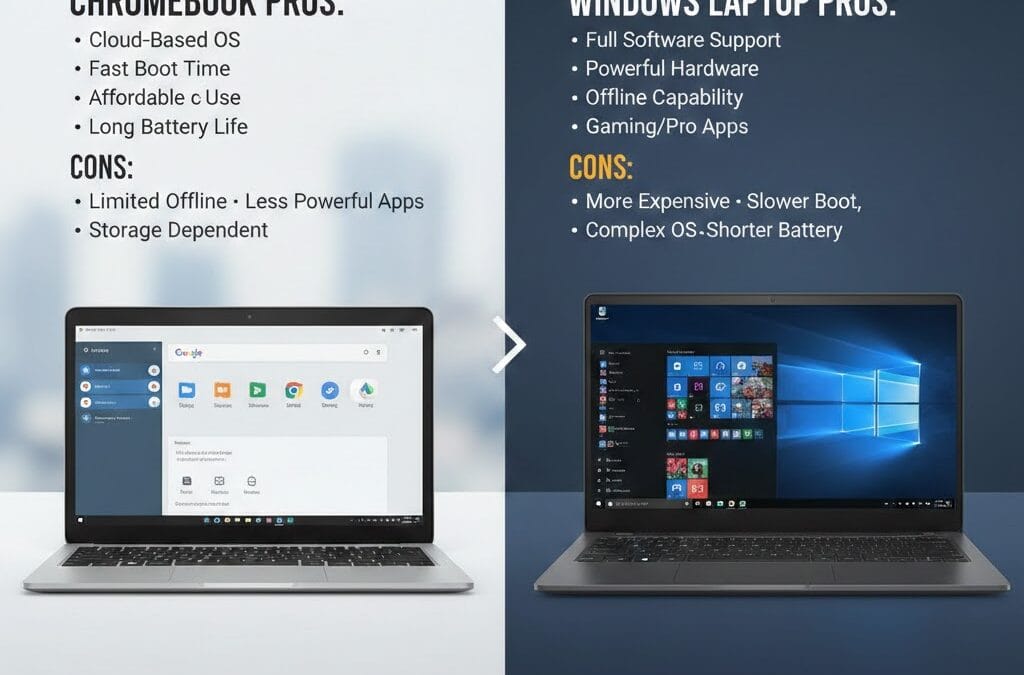
Chromebooks offer affordability, security, and simplicity. Windows laptops provide power, flexibility, and extensive software support.
Before buying, list your priorities carefully. Matching your needs with the right device ensures long-term satisfaction.
Need Expert Laptop Guidance?
If you need help choosing the right laptop for your needs, visit https://maxipleitservices.com/ for expert IT solutions and support.
📞 Phone: 8882841303