Laptop Problems That Should Never Be Ignored
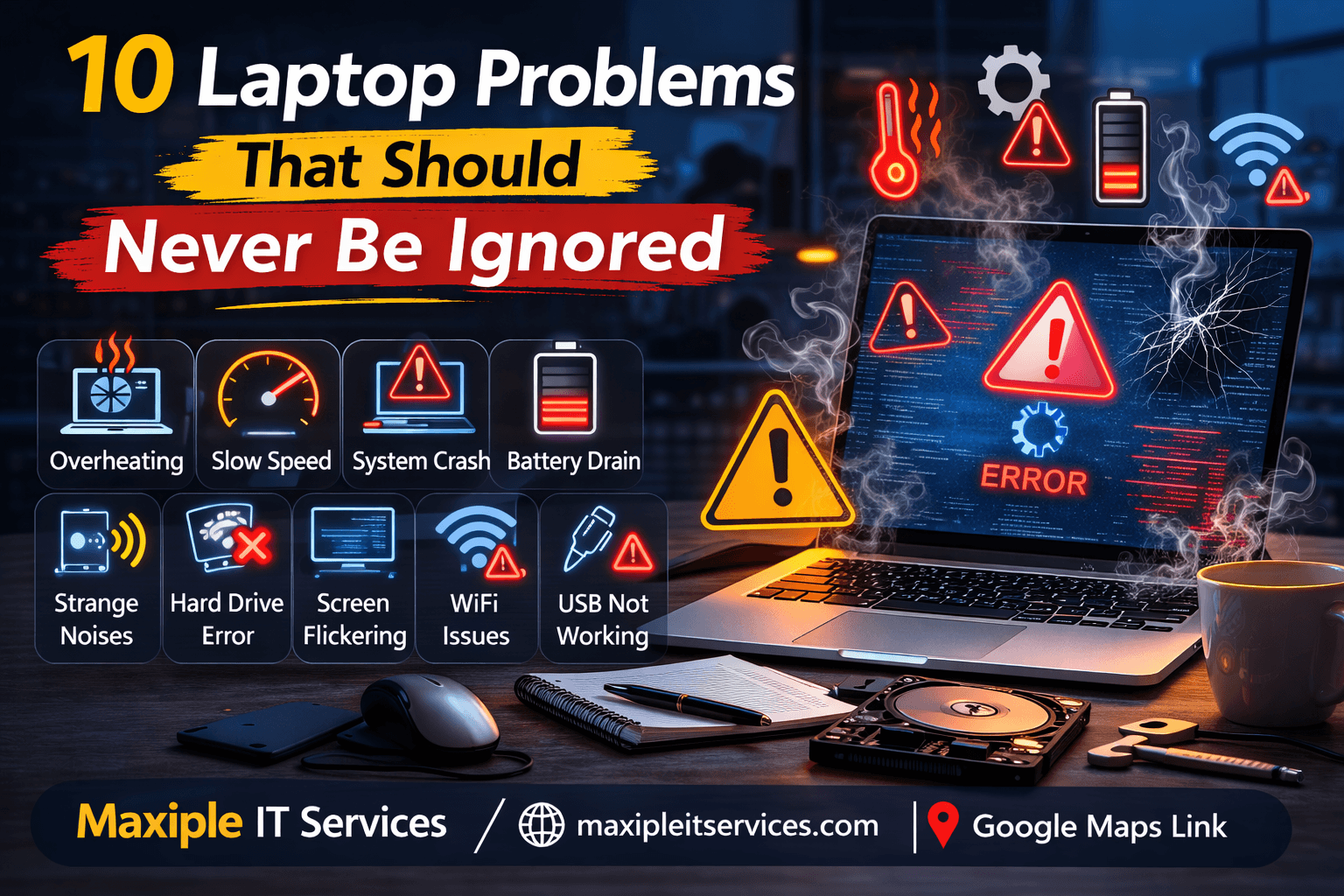
Understanding laptop problems that should never be ignored can help prevent major system failures and costly repairs. Small issues such as overheating, unusual noises, or system slowdowns often indicate deeper hardware or software problems.
If your device starts showing unusual behavior, early diagnostics can help prevent long-term damage. Professional repair and diagnostics services are available through Maxiple IT Services.
🌐 Website: https://maxipleitservices.com/
Identifying and resolving issues early can help extend the lifespan of your laptop and protect important data.
Why Laptop Problems That Should Never Be Ignored Matter
Many laptop issues start as minor performance changes that seem harmless at first. Over time, these small problems can develop into serious technical failures if they are not addressed properly.
Experts often explain that laptop problems that should never be ignored usually begin with warning signs such as overheating, system crashes, or hardware detection errors. Ignoring these symptoms may lead to permanent hardware damage.
Regular maintenance and timely repair help ensure that laptops continue functioning efficiently without unexpected downtime.
Common Laptop Problems That Should Never Be Ignored
Several technical issues commonly appear in laptops. Recognizing these problems early allows users to prevent major system failures.
Below are some of the most common laptop problems that should never be ignored.
Laptop Overheating
Overheating is one of the most common laptop issues. When cooling fans become blocked by dust or thermal paste deteriorates, internal components may begin to overheat.
Excessive heat can damage processors, motherboards, and storage devices. Over time, overheating may cause frequent shutdowns or permanent hardware damage.
Technicians consider overheating one of the laptop problems that should never be ignored because prolonged heat exposure significantly reduces hardware lifespan.
Slow System Performance
A laptop that suddenly becomes slow may indicate underlying technical problems. System slowdowns can occur due to insufficient memory, software conflicts, malware infections, or failing hardware components.
Many users assume slow performance is simply caused by an aging device, but it may actually indicate deeper technical issues.
Experts often identify slow performance as one of the laptop problems that should never be ignored, especially when the system frequently freezes or becomes unresponsive.
Frequent System Crashes
Unexpected system crashes are serious technical warning signs. If the laptop frequently restarts, freezes, or displays error screens, it may indicate hardware failure or operating system corruption.
Frequent crashes may also be caused by faulty RAM, overheating components, or corrupted drivers.
Technicians classify recurring crashes among laptop problems that should never be ignored, as they often signal deeper system instability.
Battery Draining Too Quickly
Laptop batteries naturally degrade over time, but sudden battery drain may indicate power management problems or battery health issues.
If the battery discharges unusually fast or the laptop shuts down unexpectedly, it may require battery replacement or internal diagnostics.
Battery failure is considered one of the laptop problems that should never be ignored because it can affect the stability of the entire system.
Strange Noises from the Laptop
Unusual clicking or grinding sounds coming from a laptop often indicate hardware problems. These noises typically originate from failing hard drives or malfunctioning cooling fans.
When mechanical components begin to fail, the risk of data loss increases significantly.
Technicians warn that strange hardware noises are among laptop problems that should never be ignored, especially if the sound occurs during system startup or heavy usage.
Laptop Not Detecting Hard Drive
Storage detection problems can prevent a laptop from booting properly. If the system cannot recognize the hard drive, the operating system may fail to load.
Messages such as “No Boot Device Found” or “Hard Drive Not Detected” often appear when this issue occurs.
Storage detection errors are one of the laptop problems that should never be ignored, as they may indicate hardware failure or internal connection problems.
Keyboard or Touchpad Not Working
When input devices stop responding, it may disrupt daily tasks and productivity. Keyboard and touchpad issues may occur due to driver conflicts, hardware damage, or liquid spills.
If these devices stop functioning suddenly, professional diagnosis may be required.
Input device failure is also considered among laptop problems that should never be ignored.
Laptop Screen Flickering
A flickering screen may indicate display driver problems, loose internal display connections, or GPU issues.
Ignoring display problems can eventually lead to complete screen failure.
Screen flickering is another example of laptop problems that should never be ignored, as it may signal deeper graphics or hardware issues.
WiFi Connectivity Problems
Persistent WiFi connection issues can significantly affect productivity. These problems may occur due to outdated network drivers, router conflicts, or failing wireless hardware.
If the laptop frequently disconnects from WiFi networks, the issue should be diagnosed promptly.
Connectivity issues are also categorized among laptop problems that should never be ignored.
USB Ports Not Working
USB ports are essential for connecting external devices such as flash drives, printers, and accessories. If the laptop stops recognizing USB devices, it may indicate port damage or driver conflicts.
Hardware port failures should be diagnosed early to prevent additional motherboard damage.
USB port failures are another example of laptop problems that should never be ignored.
When to Seek Professional Laptop Repair
While some minor laptop issues can be resolved through basic troubleshooting, more serious problems require professional technical support.
If your laptop continues to show performance issues, hardware detection problems, or frequent system crashes, expert diagnostics may be necessary.
Professional technicians can identify whether the issue is related to hardware failure, software corruption, or system configuration errors.
For professional laptop diagnostics and repair services, you can contact Maxiple IT Services.
🌐 Website: https://maxipleitservices.com/
📍 Google Maps: https://share.google/V3H4jOMIGpvFE9vjr
Conclusion
Recognizing early warning signs is essential to prevent major laptop failures. Many technical issues start as small performance changes but gradually develop into serious hardware problems.
Understanding laptop problems that should never be ignored helps users take timely action before the device stops functioning completely.
By addressing issues early and seeking professional diagnostics when necessary, users can extend the lifespan of their laptops and avoid costly repairs.