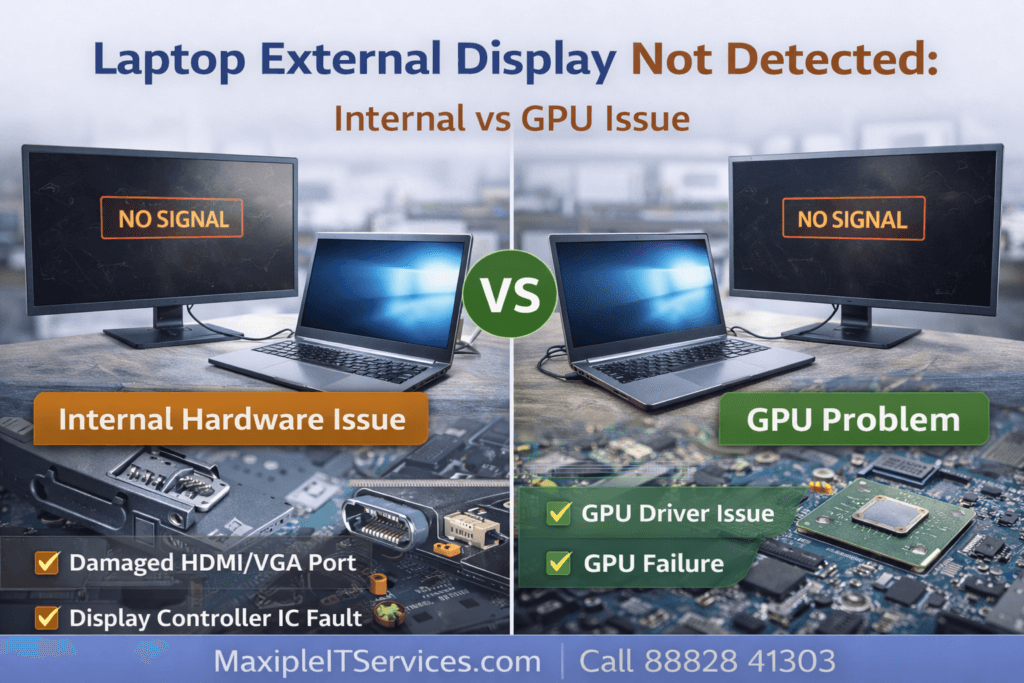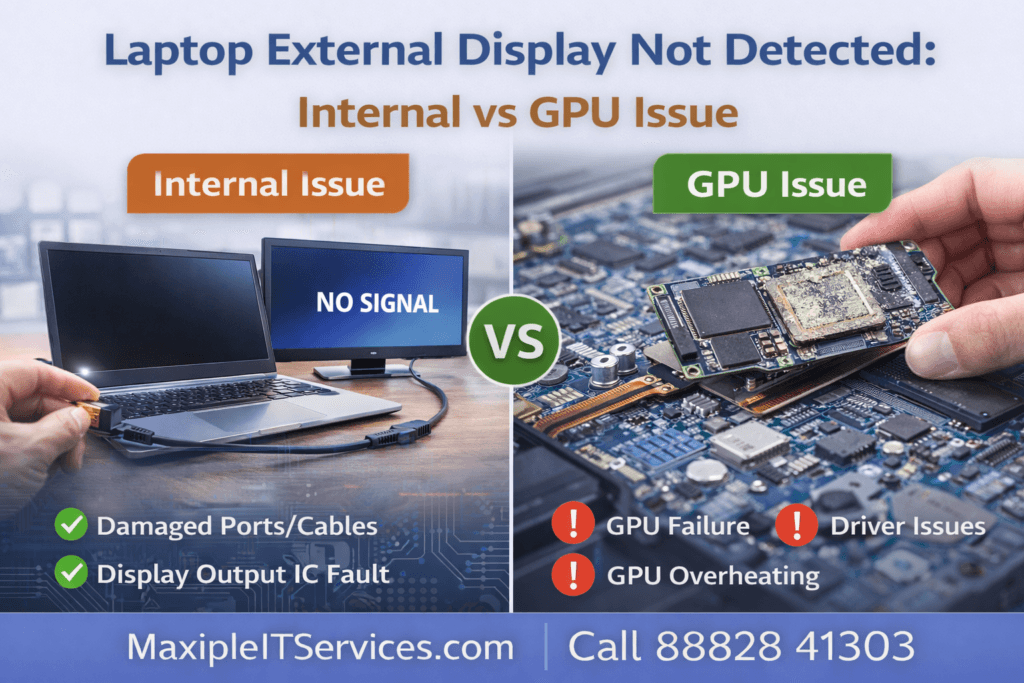
Laptop External Display Not Detected: Internal vs GPU Issue
Many laptop users experience the frustrating issue of laptop external display not detected, even when the laptop powers on and works normally on its built-in screen. Understanding whether this is caused by an internal hardware issue or a GPU failure is essential for effective repair.
In this comprehensive guide, we explain Laptop External Display Not Detected: Internal vs GPU Issue, how to diagnose the problem accurately, and professional repair solutions.
For expert laptop repair and diagnostics, contact Maxiple IT Services:
🌐 Website: https://maxipleitservices.com/
📞 Call Now: 88828 41303
external display not detected occurs when your laptop fails to recognize an external monitor, projector, or TV, even though:
The laptop powers on normally
Internal screen works correctly
HDMI, DisplayPort, VGA, or USB-C ports seem functional
This issue can be caused by internal connection faults or GPU-related problems, making proper diagnosis crucial.
Common Causes
Several issues can result in laptop external display not detected:
1. Faulty Display Port or Cable
Damaged HDMI, VGA, or DisplayPort connectors can prevent detection.
Bent pins
Loose solder joints
Broken cables
2. GPU or Graphics Driver Issues
Outdated or corrupted graphics drivers
GPU overheating or failure
Incorrect graphics settings
3. Internal Motherboard Connection Issues
Damaged display controller IC
Loose internal video signal lines
Failed BGA joints
4. BIOS or Firmware Configuration
Disabled external display settings in BIOS
Incorrect boot display priority
Firmware incompatibility
Diagnosing Laptop External Display Not Detected: Step-by-Step
Professional diagnosis is essential to determine whether the issue is internal vs GPU:
Step 1: Test External Monitor & Cable
Verify the monitor works with another device
Test different HDMI or VGA cables
Step 2: Check Laptop Display Settings
Right-click desktop → Display Settings → Detect display
Check if extended or duplicate mode is enabled
Step 3: Update Graphics Drivers
Open Device Manager → Display adapters
Update GPU drivers (Intel, NVIDIA, AMD)
Restart and retest
Step 4: Test GPU Functionality
Use internal stress tests to ensure GPU works
Check temperature and clock speeds
GPU failure may cause external display not detected
Step 5: Internal Hardware Check
Inspect HDMI/VGA ports for damage
Check motherboard signal traces
Test external display controller IC
Correct diagnosis ensures that repair is targeted and prevents unnecessary replacements.
Laptop External Display Not Detected: Internal Issue
If the external display works with another laptop but not your device, the problem is likely internal.
Internal Causes:
Damaged display output ports
Solder joint failure on motherboard
Backlight or controller IC issues
Professional Fix:
Repair or replace damaged ports
Reflow or resolder failed connections
Replace faulty controller chips
Laptop External Display Not Detected: GPU Issue
If the external display fails on multiple monitors and cables, the GPU may be at fault.
GPU Failure Symptoms:
Internal display works, external doesn’t
Screen flickering or artifacts
Laptop crashes under graphics load
Repair Options:
GPU driver reinstallation
Thermal paste and heat management
Component-level GPU repair or reballing
At Maxiple IT Services, we specialize in GPU testing and repair for all laptop brands.
BIOS and Firmware Considerations
Sometimes laptop external display not detected is caused by BIOS misconfiguration.
Steps to Fix:
Enter BIOS/UEFI and check external display options
Update BIOS to latest manufacturer version
Reset BIOS settings to default
Proper BIOS configuration ensures reliable detection of external displays.
Preventing Laptop External Display Issues
To prevent external display detection problems:
Avoid bent or damaged cables
Keep GPU drivers updated
Avoid overheating by cleaning fans regularly
Do not force external monitors into unsupported resolutions
Avoid unauthorized BIOS modifications
When to Seek Professional Help
You should consult a technician if:
External display does not work with any monitor or cable
Laptop shows GPU overheating signs
HDMI/VGA ports are physically damaged
BIOS updates do not solve the issue
Professional technicians perform component-level diagnosis to determine internal vs GPU issues.
Why Choose Maxiple IT Services?
We offer expert services for laptop external display issues:
Component-level internal hardware repair
GPU diagnostics and repair
Port replacements (HDMI, VGA, USB-C)
BIOS and firmware updates
All major brands supported (HP, Dell, Lenovo, Asus, Acer, MSI, Apple)
🌐 Website: https://maxipleitservices.com/
📞 Call Now: 88828 41303
Conclusion: Laptop External Display Not Detected
The problem of Laptop External Display Not Detected can stem from internal motherboard issues or GPU failure. Proper diagnosis is critical to restore external display functionality. Minor software or driver fixes may solve the issue, while severe hardware faults require professional repair.
Trust Maxiple IT Services for expert, safe, and reliable Laptop External Display Not Detected: Internal vs GPU Issue repair.
🌐 Website: https://maxipleitservices.com/
📞 Call Now: 88828 41303