If your laptop fan is making noise, it can be frustrating and alarming. A noisy fan not only disrupts your work but can also indicate underlying hardware issues. Understanding why your laptop fan is making noise and how to fix it is essential for maintaining your device’s health.
At Maxiple IT Services, we specialize in laptop fan repair and maintenance for all major brands. Call 88828 41303 today for professional assistance.
What Causes a Laptop Fan Making Noise?
A laptop fan making noise can occur due to several reasons. Identifying the root cause is the first step in fixing the issue.
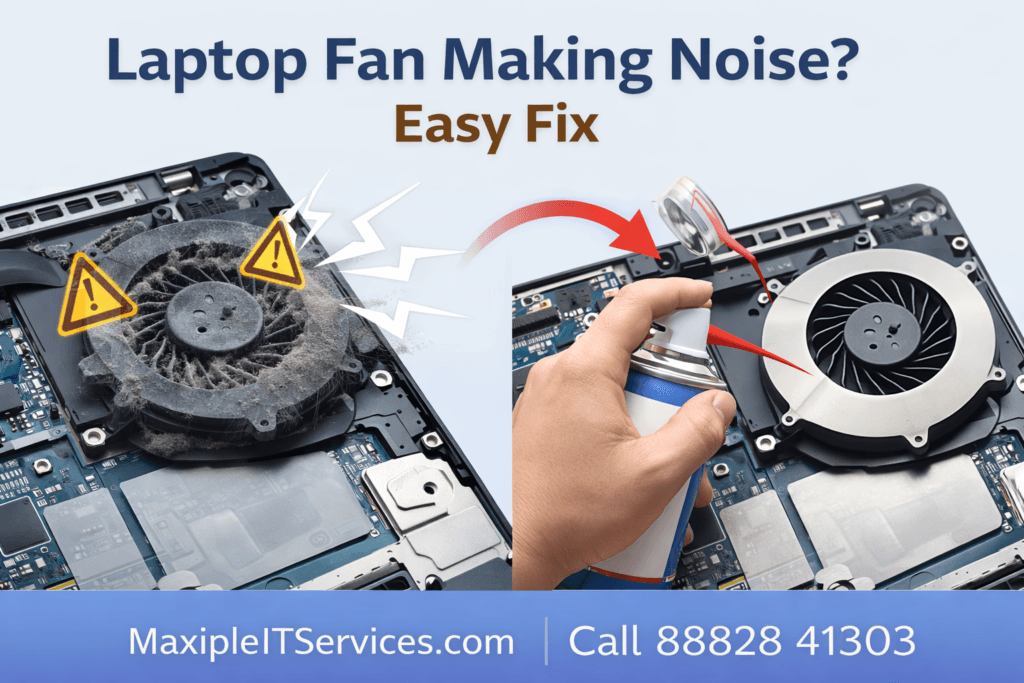
Dust and Debris Accumulation: Over time, dust can accumulate inside the fan, causing it to wobble or spin unevenly.
Loose or Damaged Fan Blades: Physical damage or loose components can result in unusual noise.
High CPU or GPU Usage: Overworking your laptop generates more heat, causing the fan to spin faster and louder.
Aging Thermal Paste: Poor heat transfer can force the fan to work harder, increasing noise levels.
Software or BIOS Issues: Outdated drivers or BIOS settings may mismanage fan speed.
A careful diagnosis helps determine whether you need a simple cleaning, software adjustment, or a complete fan replacement.
How to Fix a Laptop Fan Making Noise
Here are proven solutions to resolve a laptop fan making noise:
1. Clean the Laptop Fan
Dust and debris are the most common cause of a laptop fan making noise. Cleaning the fan can restore smooth operation.
Steps:
Turn off your laptop and unplug it.
Open the back panel carefully.
Use compressed air to blow out dust from the fan.
Remove stubborn dirt with a soft brush.
After cleaning, your fan should spin quietly again.
2. Check for Loose or Damaged Fan Blades
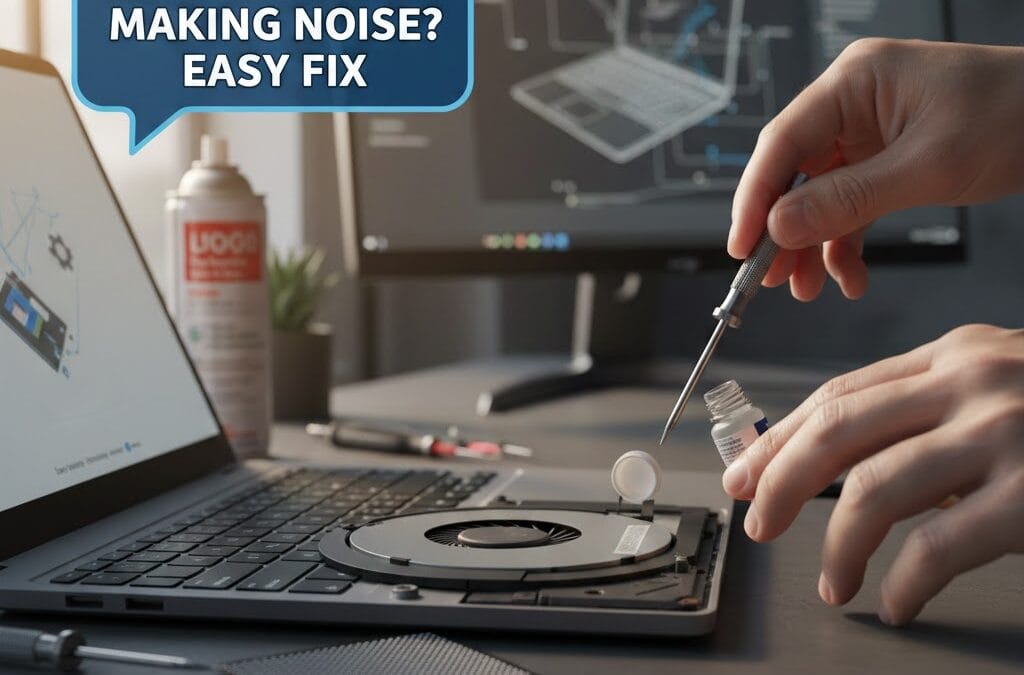
Sometimes the noise is caused by loose or damaged fan blades.
Steps:
Inspect the fan visually.
Tighten screws if loose.
Replace the fan if blades are broken.
A faulty fan can overheat your laptop and damage other components, so replacement is often the safest option.
3. Manage CPU and GPU Usage
High processor usage can cause your laptop fan to make noise.
Tips:
Close unnecessary applications running in the background.
Monitor CPU usage in Task Manager (Windows) or Activity Monitor (Mac).
Update software and drivers to reduce system load.
Proper resource management can significantly reduce fan noise.
4. Reapply Thermal Paste
Over time, the thermal paste between your CPU/GPU and heatsink dries out. This reduces heat transfer and forces the fan to work harder.
Steps:
Remove the heatsink carefully.
Clean the old thermal paste using isopropyl alcohol.
Apply a fresh layer of high-quality thermal paste.
Reassemble your laptop.
This improves heat dissipation and can reduce fan noise significantly.
5. Update BIOS and Drivers
Outdated BIOS or system drivers can mismanage fan speed, causing your laptop fan to make noise unnecessarily.
Steps:
Visit your laptop manufacturer’s website.
Download the latest BIOS and fan controller updates.
Follow installation instructions carefully.
Software fixes can often resolve fan noise without opening your laptop.
When to Replace Your Laptop Fan
Sometimes, a laptop fan making noise cannot be fixed with cleaning or adjustments. Signs you need a replacement include:
Grinding or rattling sounds even after cleaning
Fan stops spinning intermittently
Overheating persists despite proper thermal paste and BIOS updates
Professional technicians at Maxiple IT Services can replace your laptop fan quickly and safely. Call 88828 41303 for assistance.
Preventing a Noisy Laptop Fan
Prevention is always better than repair. To avoid a laptop fan making noise:
Regular Cleaning: Clean your laptop every 3–6 months.
Use a Cooling Pad: Helps reduce internal temperature and fan workload.
Avoid Overheating: Don’t use your laptop on soft surfaces that block vents.
Monitor Software: Avoid heavy applications that overload CPU/GPU unnecessarily.
Following these tips extends your laptop’s lifespan and keeps your fan quiet.
Why Choose Maxiple IT Services
At Maxiple IT Services, we offer:
Expert laptop fan repair and replacement
Cleaning and thermal paste reapplication
Performance optimization to reduce fan noise
Service for all laptop brands including HP, Dell, Lenovo, Asus, Acer, Apple, and MSI
📞 Call 88828 41303 today for fast, reliable service and a quieter, more efficient laptop.