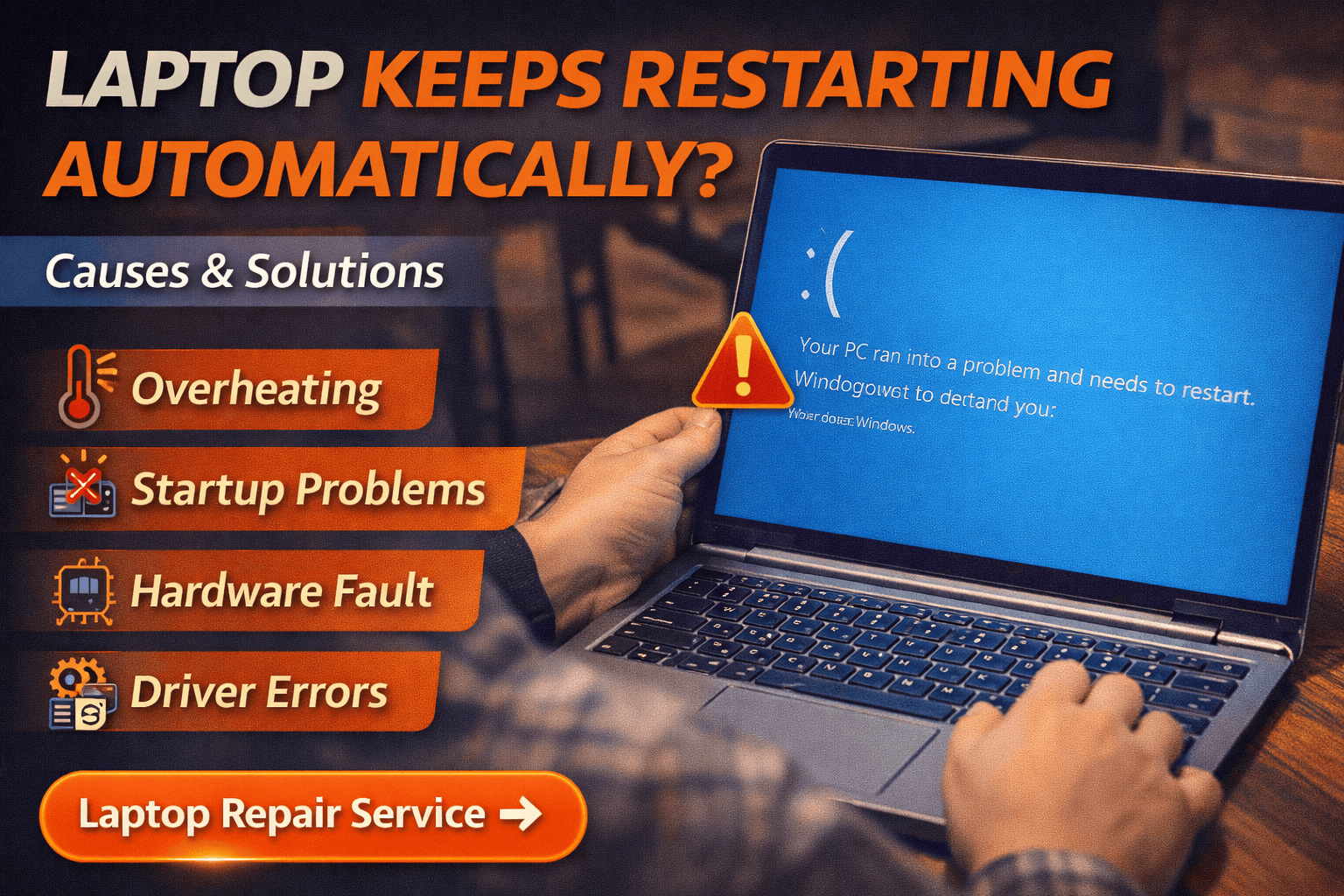
Laptop Keeps Restarting Automatically – Causes & Solutions
If your laptop keeps restarting automatically, it can interrupt work, cause data loss, and indicate deeper system problems.
Many users notice sudden restarts while browsing, working, or even during startup. When this happens repeatedly, the system may be facing hardware instability, overheating, or operating system errors.
Understanding why a laptop keeps restarting automatically is important because ignoring the problem can lead to more serious hardware damage. In many situations, proper diagnosis can identify the root cause and restore stable performance.
Why a Laptop Keeps Restarting Automatically
One of the most common reasons a laptop keeps restarting automatically is overheating. Modern laptops are designed to restart or shut down automatically when internal temperatures become too high. This helps protect sensitive components like the processor and motherboard.
Common causes include:
Dust accumulation inside cooling vents
Cooling fan malfunction
Old or dried thermal paste on the processor
Heavy background applications
Hardware instability
If the restart happens during demanding tasks such as gaming or video editing, overheating is often the primary cause.
Laptop Restarting During Startup
Sometimes users notice the laptop keeps restarting automatically during startup before the operating system fully loads. In such cases, the issue may be related to system files or software conflicts.
Possible reasons include:
Corrupted operating system files
Faulty drivers
Failed system updates
Malware infections
Boot configuration errors
When restart loops happen during startup, professional system repair may be required to restore operating system stability.
Hardware Problems That Cause Restarting
Hardware failure is another reason a laptop keeps restarting automatically. Components inside the laptop can degrade over time, especially if the system is exposed to heat or power fluctuations.
Common hardware issues include:
Faulty RAM modules
SSD or hard drive failure
Motherboard power circuit problems
Battery or charging system issues
If the laptop shows blue screen errors before restarting, the problem is usually hardware-related.
Signs Overheating Is Causing Restarting
Overheating remains one of the most frequent causes behind situations where a laptop keeps restarting automatically. Certain warning signs can indicate that the cooling system is not functioning correctly.
Watch for these symptoms:
Laptop becoming unusually hot during normal use
Loud fan noise even during light tasks
Performance slowing down before the restart
Unexpected shutdown followed by reboot
If overheating is responsible, internal cleaning and cooling system maintenance may be required.
Quick Fixes to Try
Before seeking professional repair, there are several troubleshooting steps you can try when a laptop keeps restarting automatically.
Basic troubleshooting steps include:
Updating system drivers and operating system
Running a malware scan
Removing recently installed programs
Checking laptop temperature using monitoring tools
Disabling automatic restart in system settings
Sometimes these simple steps can resolve restart issues caused by software conflicts.
Professional Diagnosis and Repair
If troubleshooting does not fix the issue and the laptop keeps restarting automatically, professional technicians perform detailed diagnostics to identify the root cause.
Repair procedures may include:
RAM testing and replacement
Internal cleaning to remove dust buildup
Thermal paste replacement on CPU and GPU
Operating system repair or reinstallation
Motherboard circuit diagnostics
At Maxiple Technology, technicians diagnose the exact reason behind restart problems before recommending any repair solution. This ensures the correct component is repaired instead of replacing unnecessary parts.
Laptop Repair Service in Delhi NCR
If your laptop keeps restarting automatically, professional repair can help restore stable system performance and prevent further damage.
👉 Laptop Repair Service in Delhi NCR
https://maxipleitservices.com/laptop-repair-in-delhi/
This service supports most major laptop brands and includes full hardware diagnostics.
Check Reviews Before Choosing a Repair Service
Before selecting a repair provider, it is always recommended to check real customer feedback.
👉 Google Business Profile
https://share.google/tVluKkneY5evsmPRN
Customer reviews help verify the reliability and quality of repair services.
Final Thoughts
When a laptop keeps restarting automatically, it is usually a warning sign that the system is experiencing hardware or software instability. Identifying the cause early can prevent major component damage and reduce repair costs.
Professional diagnosis can restore your laptop’s stability and ensure reliable long-term performance.