Accidents happen in seconds, but the damage can last for years. If you are dealing with a sudden spill, knowing the right steps for laptop liquid spill repair can save your device and your important data. Water, tea, coffee, or juice can quickly seep into internal components and cause short circuits. Acting immediately reduces long-term motherboard and keyboard damage significantly.
Many users panic and make mistakes that worsen the situation. Proper starts within the first few minutes after the accident. In this detailed guide, you will learn exactly what to do, what to avoid, and when to call a professional technician. If you need urgent help, visit https://maxipleitservices.com/ or call 8882841303 for expert support.
Immediate Steps for Laptop Liquid Spill Repair
The first five minutes are extremely critical for successful laptop liquid spill repair. Quick action prevents electrical short circuits and corrosion inside delicate components. Follow these steps carefully and avoid unnecessary movement of the device.
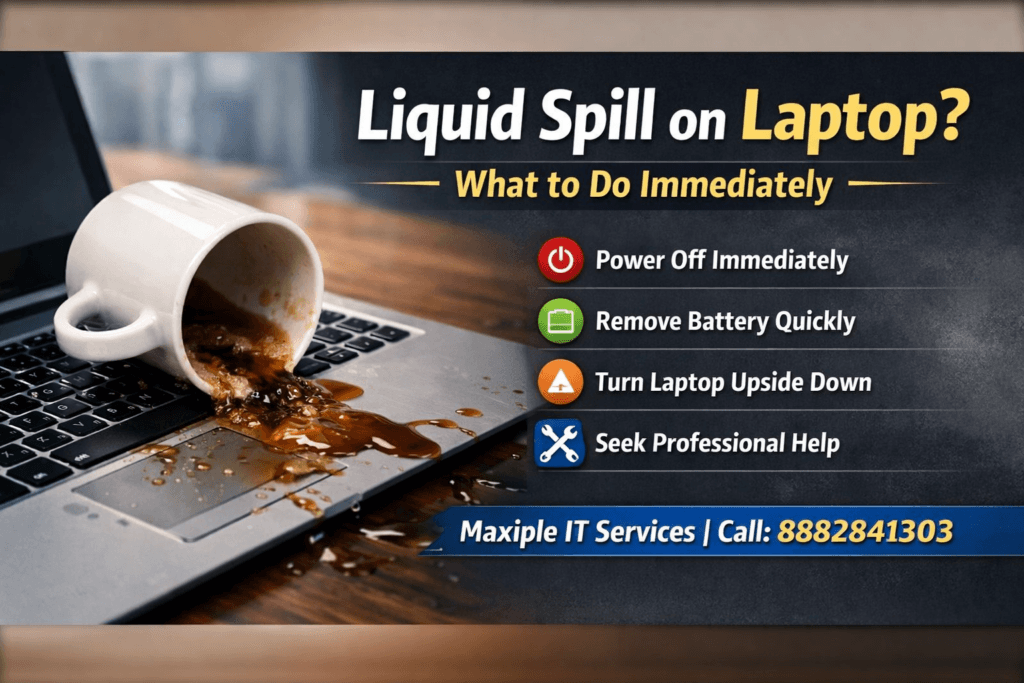
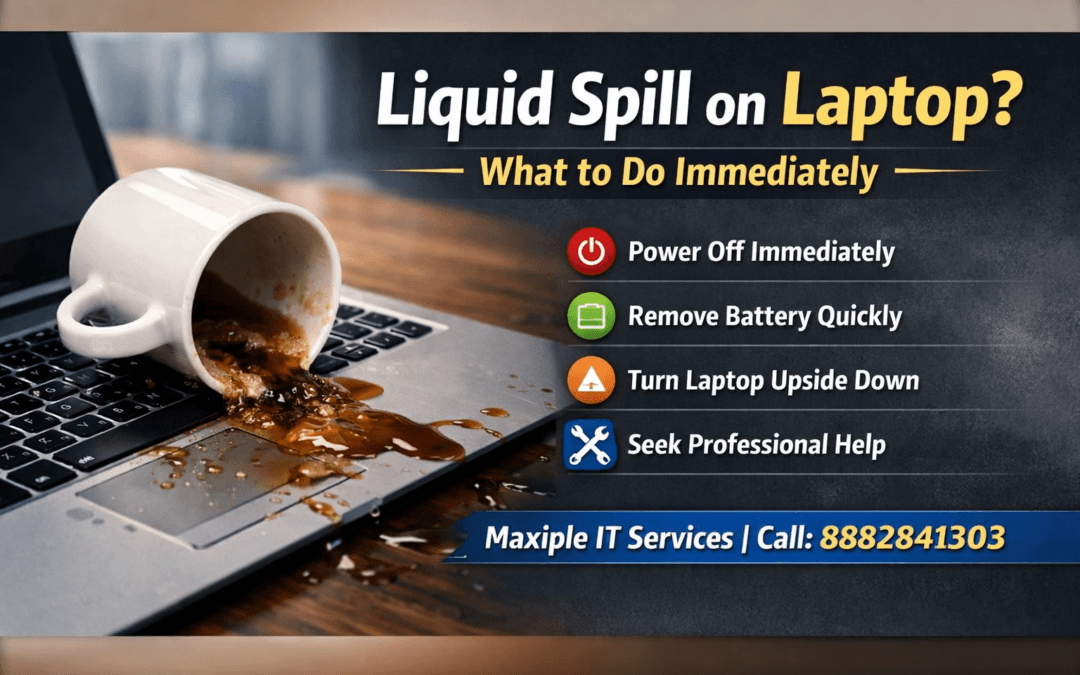
First, turn off the laptop immediately. Do not try to save files or close programs. Hold the power button until the device shuts down completely.
Next, disconnect the charger and remove all connected accessories. USB drives, mouse devices, and external keyboards should be unplugged carefully. Electricity flowing through wet circuits increases internal damage significantly.
If your laptop has a removable battery, take it out immediately. This step stops electrical flow and reduces the risk of motherboard failure. For non-removable batteries, do not attempt to open the device without proper tools.
Finally, place the laptop upside down in a tent position. This helps excess liquid drain out instead of spreading deeper into internal components.
What Not to Do During Laptop Liquid Spill Repair
Many users unknowingly cause permanent damage by making simple mistakes. Avoid turning the laptop back on to “check if it works.” Even a small amount of moisture can destroy internal circuits instantly.
Do not use a hair dryer with high heat. Excessive heat can warp internal parts and push liquid further inside the motherboard layers. Also avoid shaking the laptop aggressively, as liquid may spread to unaffected areas.
Assessing the Type of Liquid Spilled
Not all liquids cause the same level of damage. Understanding what was spilled helps determine the urgency of Plain water is less harmful compared to sugary or acidic drinks.
Water may evaporate if handled quickly, reducing corrosion risk. However, minerals in water can still leave residue on internal circuits. Even clean water requires professional inspection.
Sugary drinks like soda or juice are more dangerous. They leave sticky residue that attracts dust and causes long-term corrosion. Coffee and tea may also contain sugar and milk, increasing internal contamination.
Alcohol-based liquids evaporate faster but can still damage plastic components. Regardless of the liquid type, professional laptop liquid spill repair is strongly recommended within 24 hours.
Signs Your Laptop Has Internal Liquid Damage
Some laptops appear functional immediately after drying. However, hidden corrosion may cause issues days or weeks later. Watch for flickering screens, unresponsive keyboards, or random shutdowns.
Other signs include overheating, distorted audio, and charging issues. These symptoms indicate internal circuit damage requiring urgent inspection and component cleaning.
Drying Process in Laptop Liquid Spill Repair
Drying your laptop properly is a crucial step in effective However, drying alone does not guarantee complete safety from corrosion or short circuits.
After turning the laptop upside down, gently wipe visible liquid using a soft microfiber cloth. Avoid inserting tissues or sharp objects inside keyboard gaps. This may push moisture deeper into internal layers.
Leave the laptop in a well-ventilated area for at least 24 to 48 hours. Avoid direct sunlight exposure because extreme heat can damage display panels and internal wiring.
Silica gel packets may help absorb surface moisture, but they are not a replacement for professional cleaning. Rice is often recommended online, but it does not effectively remove internal liquid residue.
Why Internal Cleaning Is Important
Even after external drying, internal corrosion may continue silently. Professional technicians open the device carefully and clean the motherboard using specialized solutions. This prevents long-term oxidation and circuit damage.
Without proper internal cleaning, your laptop may fail unexpectedly within weeks. Reliable always includes internal inspection and component-level cleaning.
When to Seek Professional Laptop Liquid Spill Repair
While initial steps can reduce damage, expert intervention ensures complete safety. If the laptop does not power on, immediate professional is necessary.
Strange noises, burning smells, or excessive heat indicate serious motherboard damage. Continuing to use the device may permanently destroy internal circuits. Early repair increases the chance of saving expensive components.
Professional repair centers use anti-corrosion cleaning chemicals and ultrasonic cleaning machines. These tools remove residue from microchips and connectors safely.
If you are in need of expert service, contact Maxiple IT Services for reliable and affordable support. You can also call 8882841303 for immediate assistance.
Cost of Laptop Liquid Spill Repair
Repair costs depend on the severity of internal damage. Minor cleaning and keyboard replacement are usually affordable. However, motherboard replacement can be expensive if corrosion spreads.
Early action reduces overall repair expenses significantly. Delaying professional often leads to higher component replacement costs.
How to Prevent Future Laptop Liquid Spill Repair Situations
Prevention is always better than expensive Simple precautions can protect your device from accidental damage.
Avoid placing drinks near your laptop workspace. Use spill-proof bottles if necessary, especially during long working hours. Keeping liquids away reduces accidental tipping risks.
Consider using a keyboard cover for additional protection. While not completely waterproof, it can reduce immediate liquid penetration into internal circuits.
Always maintain regular device servicing. Professional maintenance checks detect early signs of corrosion or hardware weakness. This ensures long-term laptop performance and reliability.
Backup Your Data Regularly
Even with the best precautions, accidents can still happen. Regular data backups ensure your important files remain safe during emergencies.
Cloud storage and external hard drives provide reliable backup solutions. In severe cases, data recovery services may be needed if the device fails completely.
Final Thoughts on Laptop Liquid Spill Repair
A sudden spill can feel disastrous, but fast action makes a major difference.ir begins with immediate shutdown, battery removal, and careful drying.
Avoid common mistakes like turning the device back on too soon. Even if the laptop seems functional, internal corrosion may develop silently over time. Professional cleaning remains the safest long-term solution.
If you experience a spill, do not delay seeking expert help. Quick and professional can save your motherboard, keyboard, and valuable data.
For trusted service and expert technicians, visit https://maxipleitservices.com/ or call 8882841303 today. Acting quickly ensures your laptop stays protected and operational for years to come.