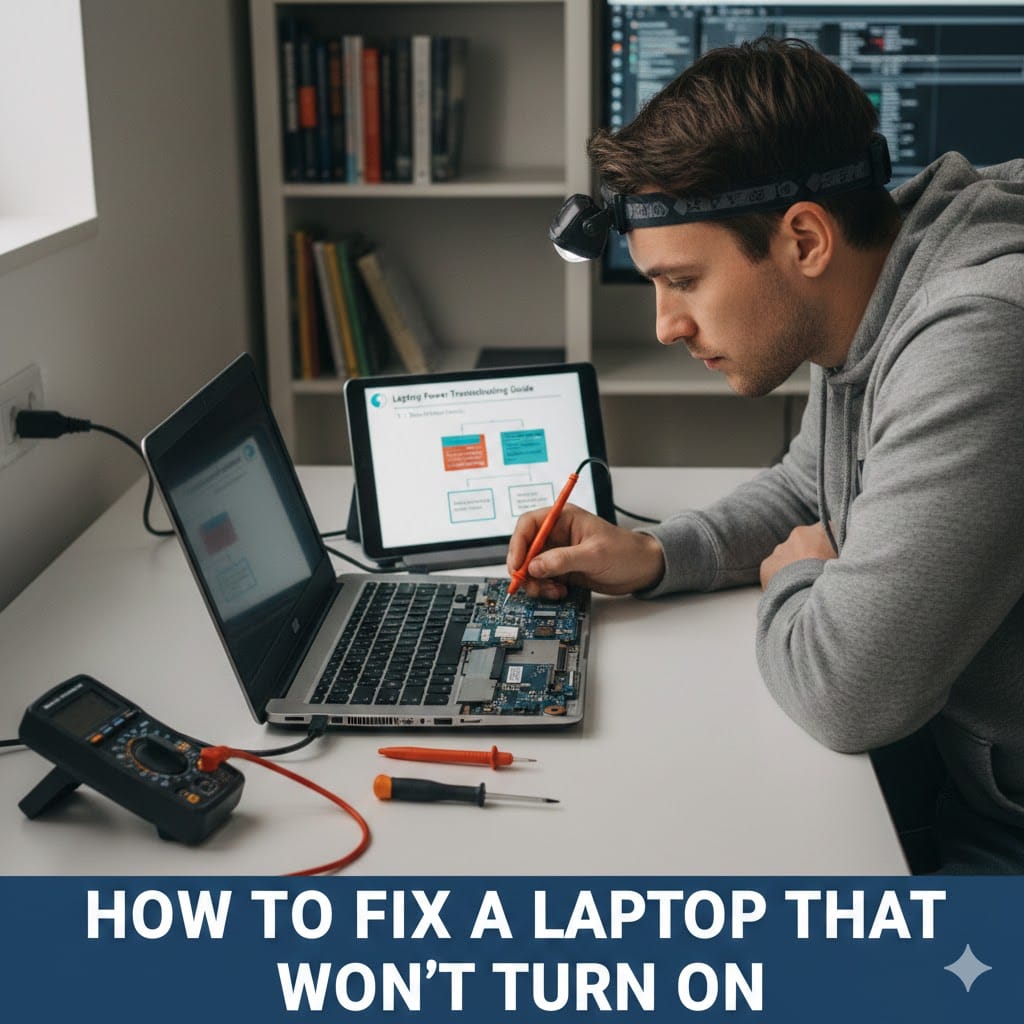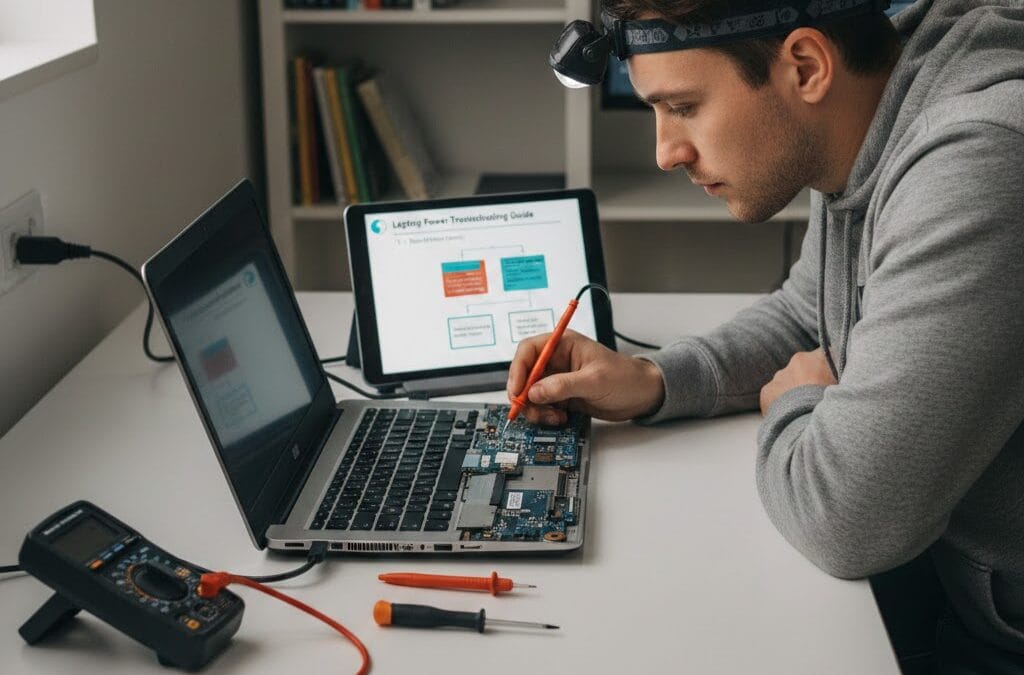
When your device suddenly stops responding, knowing how to fix laptop won’t turn on problems can save time and money. Many users panic when their screen stays black or the power button shows no response. However, not every issue means serious hardware damage or expensive replacement. Sometimes the problem is as simple as a drained battery or loose charger connection. Understanding how to fix laptop won’t turn on situations helps you troubleshoot basic causes safely. Before rushing to replace your laptop, follow systematic checks to identify the real issue. If problems continue, professional repair services like Maxiple IT Services can provide expert assistance quickly and safely.
Common Reasons Behind Fix Laptop Won’t Turn On Issues
Before attempting repairs, it is important to understand possible causes. Power-related issues are the most common reason laptops fail to start properly. Faulty chargers, damaged cables, or defective batteries often create startup problems.
Internal hardware components may also cause startup failure. A damaged motherboard, faulty RAM, or broken power button can prevent booting. Software corruption or failed updates may also block system startup.
Overheating can shut down your laptop completely to prevent internal damage. Identifying the root cause makes fix laptop won’t turn on troubleshooting more effective. Always begin with basic checks before opening your device.
Power Supply Problems in Fix Laptop Won’t Turn On Cases
A defective power adapter often causes laptops to appear completely dead. Check whether the charging light turns on when plugged in properly. If there is no indicator light, test another compatible charger.
Inspect the power cable for visible cuts or burns carefully. Try plugging the adapter into a different electrical outlet. Many users solve fix laptop won’t turn on issues by simply replacing faulty chargers.
Basic Steps to Fix Laptop Won’t Turn On at Home
Start troubleshooting with simple solutions before considering professional repair services. Remove the charger and disconnect all external devices from your laptop. Hold the power button for fifteen seconds to discharge residual electricity.
Reconnect the charger and attempt turning the laptop on again. This process often resolves minor power glitches quickly. If the battery is removable, take it out carefully and test using direct power supply.
Check screen brightness and listen for fan noise or system sounds. Sometimes the laptop is running but the display remains black. These basic checks help address fix laptop won’t turn on problems efficiently.
Perform a Hard Reset to Fix Laptop Won’t Turn On
A hard reset can clear internal electrical buildup effectively. Remove the battery and unplug the charger completely. Press and hold the power button for thirty seconds.
Reconnect everything and try starting the laptop normally. This simple reset method frequently solves temporary power issues. It is a reliable first step in handling fix laptop won’t turn on situations.
Hardware Checks to Fix Laptop Won’t Turn On Problems
If basic steps fail, hardware inspection may be required carefully. Faulty RAM is a common reason laptops fail to boot properly. Removing and reseating memory modules can restore normal startup function.
Listen for beeping sounds when pressing the power button. Beep codes often indicate RAM or motherboard problems. Checking internal components requires caution and proper tools.
A damaged hard drive can also prevent successful system startup. Consider professional evaluation if you suspect hardware failure. Proper diagnosis is essential when dealing with persistent fix laptop won’t turn on cases.
Check Display Issues in Fix Laptop Won’t Turn On Cases
Sometimes the laptop powers on but the display remains blank. Connect your device to an external monitor to test screen output. If the external monitor works, your screen may need replacement.
Display cable damage inside the laptop can also cause black screens. Professional technicians can diagnose this safely and accurately. Display problems are common in fix laptop won’t turn on repair cases.
Software Solutions to Fix Laptop Won’t Turn On Errors
Operating system corruption may block your laptop from booting properly. Try accessing safe mode by pressing the required function key during startup. Safe mode can help identify recent update or driver issues.
If safe mode works, uninstall recently installed programs carefully. You may also attempt system restore to revert to previous stable settings. These steps can resolve many fix laptop won’t turn on software-related problems.
In severe cases, reinstalling the operating system may become necessary. Always back up important files before reinstalling Windows. Professional technicians can assist with safe data recovery if needed.
Use Bootable USB to Fix Laptop Won’t Turn On
Creating a bootable USB drive allows advanced troubleshooting options. Insert the USB and change boot priority in BIOS settings. This method helps repair corrupted startup files effectively.
If the laptop fails to detect the bootable drive, hardware issues may exist. Boot tools are helpful for diagnosing deeper fix laptop won’t turn on problems.
When to Seek Professional Help for Fix Laptop Won’t Turn On
If none of the troubleshooting steps resolve the issue, professional repair is recommended. Opening complex hardware without experience may cause further internal damage. Certified technicians have specialized tools for accurate diagnosis.
Motherboard repairs and power circuit replacements require technical expertise. Attempting such repairs at home can increase overall costs significantly. Reliable service centers ensure safe and long-lasting solutions.
For expert laptop and computer repair services, visit https://maxipleitservices.com/ today. You can also call 8882841303 for quick assistance and professional support. Maxiple IT Services provides reliable solutions for all laptop startup issues.
Why Choose Experts for Fix Laptop Won’t Turn On
Professional repair ensures proper component testing and replacement. Experts identify root causes instead of temporary fixes. This saves time, money, and prevents recurring problems.
Trained technicians also protect your important data during repairs. Choosing professionals guarantees quality service and peace of mind.
Final Thoughts on Fix Laptop Won’t Turn On
Understanding how to fix laptop won’t turn on problems helps you respond calmly during unexpected failures. Start with simple power checks and gradual troubleshooting steps. Many issues can be resolved without expensive replacements.
However, persistent hardware or software damage requires expert attention. Regular maintenance reduces the chances of sudden startup failures. Keep your laptop updated and handle it carefully to extend its lifespan.
If your laptop still refuses to power on, contact Maxiple IT Services for reliable support. Professional guidance ensures your device returns to normal performance quickly and safely.