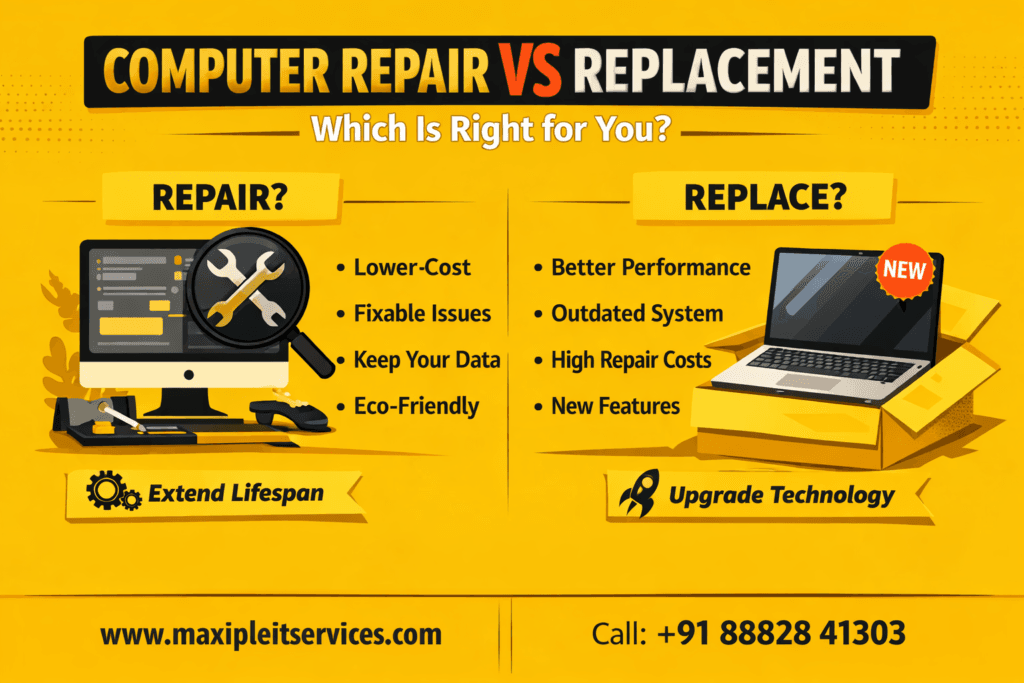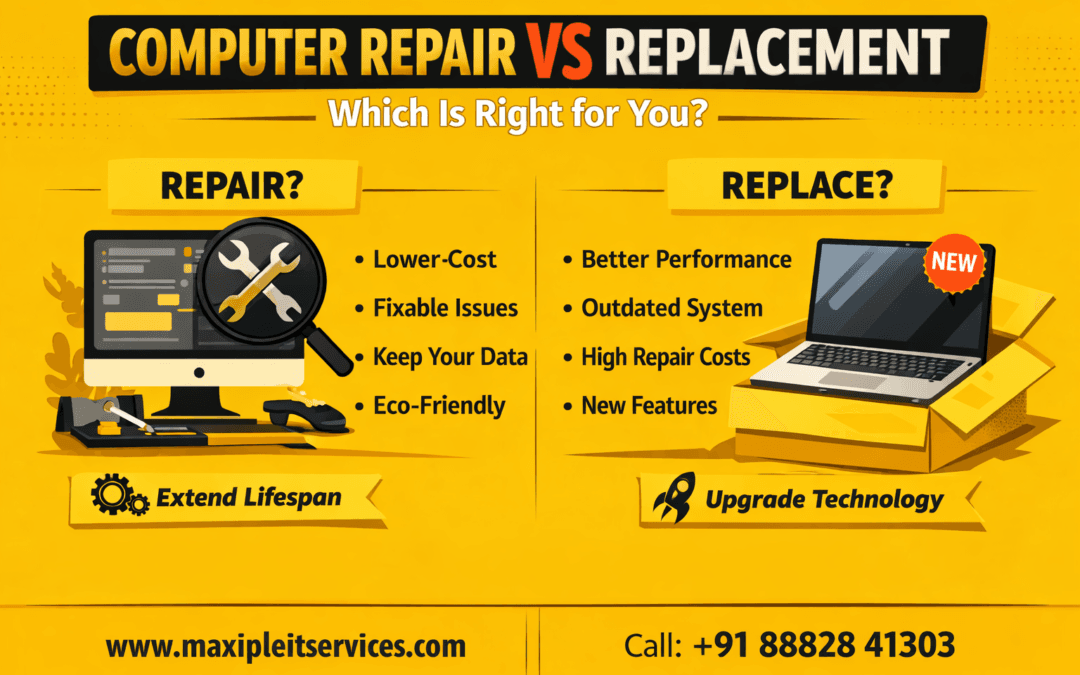
Computer Repair vs Replacement is a common question for users facing slow performance, frequent crashes, or hardware problems. When a computer starts showing issues, many people immediately think about buying a new system. However, replacement is not always the smartest or most cost-effective decision.
In many cases, computer repair can restore performance, extend system life, and save a significant amount of money. On the other hand, continuing to repair an outdated system can lead to repeated expenses and frustration. Understanding the difference between computer repair and replacement helps you make an informed decision based on cost, performance, and long-term value. This guide explains everything you need to know to choose the best option for your computer.
Understanding Computer Repair vs Replacement
Before making a decision, it is important to clearly understand what computer repair and replacement mean.
What Is Computer Repair?
Computer repair focuses on fixing specific hardware or software problems without changing the entire system. Common repairs include hard drive replacement, RAM upgrades, virus removal, and cooling system fixes. These solutions often restore performance quickly and affordably.
What Is Computer Replacement?
Computer replacement means purchasing a brand-new system when the existing one becomes unreliable, outdated, or too expensive to fix. Replacement is usually chosen for long-term performance improvements.
Cost Comparison: Computer Repair vs Replacement
Cost plays a major role in deciding between computer repair and replacement.
Repair Cost Benefits
Computer repair is usually much cheaper than replacement. Minor hardware upgrades and software fixes often cost a fraction of a new system. Repairs like SSD upgrades or RAM expansion can significantly improve speed.
Replacement Cost Considerations
Replacement involves higher upfront expenses, including hardware purchase, software installation, and data transfer. While costly, it can be a good investment for long-term usage.
Rule: If repair costs exceed 50% of replacement cost, replacement may be the better option.
Performance Impact: Computer Repair vs Replacement
Performance expectations strongly influence the decision.
When Computer Repair Improves Performance
Many slow computers suffer from fixable issues such as outdated storage drives, insufficient RAM, or malware infections. Professional repair and optimization can dramatically improve system responsiveness.
When Replacement Delivers Better Performance
Replacement is recommended when the processor is outdated or the motherboard does not support upgrades. New systems handle modern software and multitasking more efficiently.
System Age and Lifespan Considerations
The age of your computer is a critical factor.
Repairing Newer Systems
If your system is under five years old, computer repair is usually the smarter option. Modern hardware responds well to upgrades and maintenance.
Replacing Older Systems
Systems older than seven years may struggle with new software and security updates. In such cases, replacement provides better reliability and compatibility.
Hardware Problems That Affect the Decision
Different hardware issues require different solutions.
Repairable Hardware Issues
Most hardware problems are repairable, including faulty RAM, failing hard drives, overheating fans, and power supply issues. These repairs extend system life.
Non-Repairable Hardware Failures
Replacement is recommended when the motherboard fails, multiple components are damaged, or replacement parts are unavailable.
Software, Security, and Compatibility Factors
Software compatibility and security are often overlooked.
Repairing Software Issues
Operating system errors, malware infections, and driver conflicts can usually be fixed through professional repair without replacing hardware.
Replacement for Security and Updates
Older systems may not support modern operating systems or security updates. Replacement ensures better protection against cyber threats.
Data Safety: Repair vs Replacement
Protecting your data is essential.
Data Safety During Computer Repair
Repair allows you to keep your existing data intact. Professionals perform backups and ensure safe handling during the repair process.
Data Migration During Replacement
Replacement requires data transfer, which can be time-consuming and risky without expert support. Professional assistance minimizes data loss.
Environmental Impact of Computer Repair vs Replacement
Computer repair is the more eco-friendly choice.
Benefits of Repairing Computers
Repair reduces electronic waste, conserves resources, and lowers environmental impact. It supports sustainable technology practices.
Replacement and E-Waste Concerns
Frequent replacement increases electronic waste and environmental pollution. Replacement should be chosen only when necessary.
Signs Computer Repair Is the Right Choice
Choose computer repair if:
Your system is less than five years old
Performance issues appeared recently
Repair costs are affordable
Upgrades can restore speed
Professional repair can significantly extend system lifespan.
Signs Computer Replacement Is the Better Option
Replacement is recommended if:
The system crashes frequently
Hardware is obsolete
Repairs are becoming frequent
Security updates are unavailable
In such cases, replacement offers better long-term value.
Why Professional Evaluation Matters
Making a decision without expert advice often leads to unnecessary expenses.
Role of Professional Diagnosis
Technicians evaluate hardware health, software stability, and upgrade potential. This ensures the right decision between computer repair vs replacement.
Why Choose Maxiple IT Services?
If you are confused about Computer Repair vs Replacement, Maxiple IT Services provides expert guidance and reliable solutions.
Our Services Include
Complete computer diagnostics
Hardware and software repair
Performance optimization
Data backup and recovery
Honest replacement advice
🌐 Website: https://maxipleitservices.com/
📞 Phone: +91 88828 41303
Final Verdict: Computer Repair vs Replacement
The choice between computer repair vs replacement depends on system age, cost, performance needs, and future usage. Repair is ideal for newer systems with fixable issues, while replacement suits outdated or heavily damaged computers.
If you are unsure, professional guidance can save money and prevent future problems. Contact experts today to make the right decision for your system.