Keeping your computer running smoothly is essential for performance, security, and long-term reliability. PC cleaning and maintenance helps prevent overheating, slow performance, and unexpected system failures. Many users ignore routine care until serious problems appear, which often leads to costly repairs. With a structured approach, you can keep your PC efficient and dependable for years. Whether you use your computer for business, study, or entertainment, regular upkeep improves speed and stability. At Maxiple IT Services, we provide professional PC cleaning and maintenance solutions to keep systems running optimally. Call 8882841303 for expert assistance and reliable computer care.
Understanding Computer Maintenance Basics
Before starting the cleaning process, it is important to understand how computer maintenance works. Maintenance includes both physical cleaning and software optimization. Dust buildup inside the system can restrict airflow and cause overheating. At the same time, outdated software and unused files reduce system efficiency. Together, these issues affect performance and reliability. Regular care ensures your PC stays responsive and secure.
Hardware Care Essentials
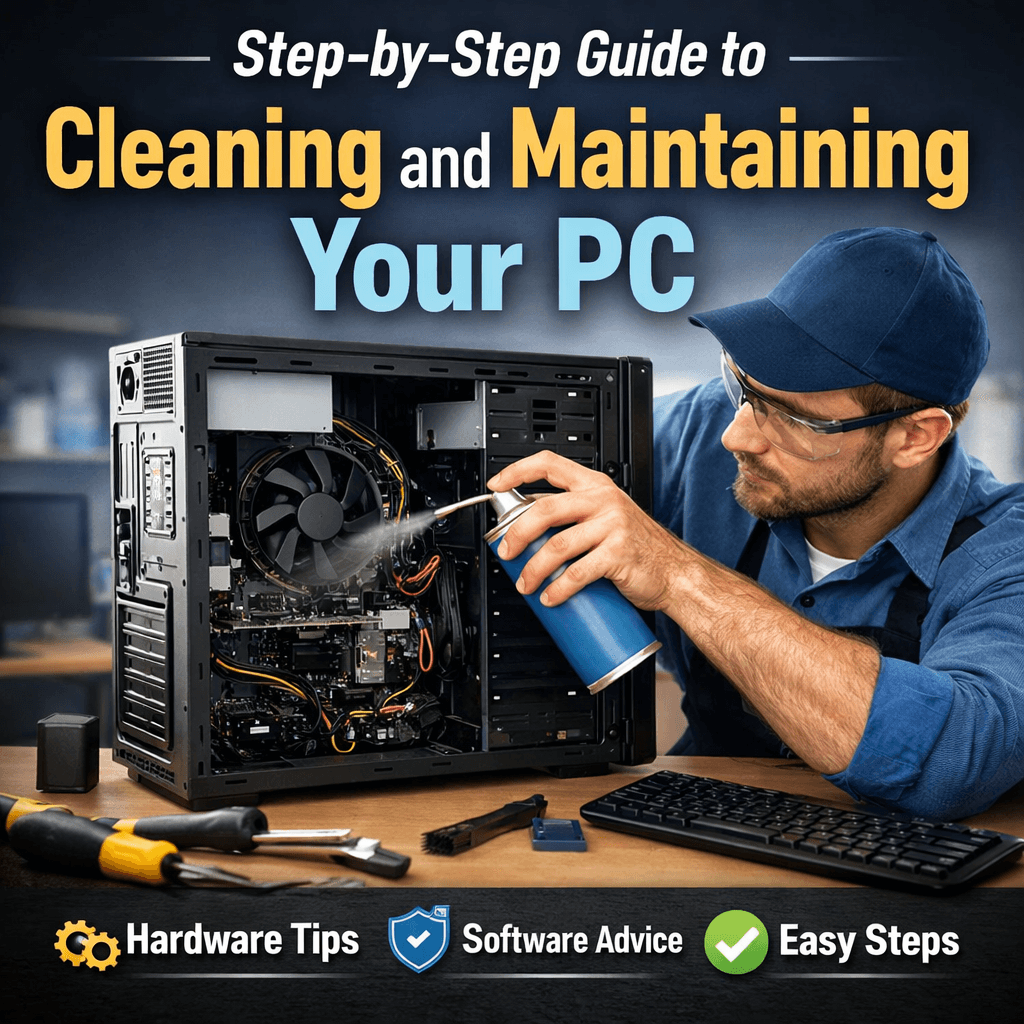
Hardware care focuses on removing dust and protecting internal components. Always power off and unplug your computer before cleaning. Compressed air is ideal for removing dust from fans and vents. Avoid touching delicate components directly to prevent damage. Proper hardware care reduces heat buildup and improves system lifespan.
Software Care Essentials
Software maintenance keeps your operating system running smoothly. Removing unused programs, scanning for malware, and installing updates improve system stability. Temporary files accumulate over time and slow performance. Regular software care ensures faster operation and fewer errors during daily use.
Step-by-Step Hardware Cleaning Process
Hardware cleaning should be done carefully and systematically. Begin by gathering basic tools such as compressed air, a microfiber cloth, and a screwdriver. Clean the outer surfaces before opening the computer case. Once opened, gently remove dust from visible areas. This step improves airflow and prevents overheating.
Cleaning Internal Components Safely
Use compressed air to clean fans, heat sinks, and internal slots. Avoid using liquids or household cleaning products inside the case. Never use a vacuum cleaner, as static electricity may damage components. Safe internal cleaning protects critical parts and improves cooling efficiency.
Cleaning External Devices and Accessories
External devices collect dust and germs over time. Wipe keyboards, mice, and monitors with a microfiber cloth. Use gentle cleaning solutions when needed. Keeping accessories clean improves usability and contributes to a healthier workspace.
Step-by-Step Software Maintenance Process
Software maintenance improves speed and reduces system crashes. Start by uninstalling programs you no longer use. Run a full antivirus scan to remove threats. Keep your operating system updated to avoid security vulnerabilities. These actions help maintain consistent performance.
Disk Cleanup and System Optimization
Disk cleanup removes temporary files, caches, and unnecessary system data. For traditional hard drives, periodic defragmentation improves file access speed. These steps free storage space and enhance overall system responsiveness.
Keeping Drivers and Applications Updated
Outdated drivers can cause compatibility and performance issues. Regular updates improve security and functionality. Check for driver and application updates monthly. Updated software ensures smoother operation and fewer unexpected problems.
Creating a Regular Maintenance Schedule
Consistency is essential for long-term computer health. Monthly software checks and quarterly hardware cleaning are recommended. Regular schedules reduce the risk of sudden failures and performance drops. Routine care also extends the usable life of your system.
Professional Support for Better Results
While basic maintenance can be done at home, professional services provide deeper inspection and cleaning. At Maxiple IT Services, we offer reliable PC cleaning and maintenance tailored to your needs. Call 8882841303 to schedule expert service and system diagnostics.
Benefits of Regular PC Cleaning and Maintenance
Routine PC cleaning and maintenance improves performance, reliability, and system lifespan. Clean hardware prevents overheating and component damage. Optimized software ensures smooth multitasking and faster startup times. Regular maintenance also reduces repair costs over time.
Better Performance and Speed
A clean and optimized PC runs faster and handles workloads more efficiently. Removing clutter and dust eliminates common causes of slowdowns. Users experience smoother performance and fewer interruptions.
Reduced Risk of Hardware Failure
Dust and heat are major causes of hardware damage. Preventive maintenance minimizes these risks. Proper care ensures components function efficiently for longer periods.
Conclusion
Regular PC cleaning and maintenance is essential for maintaining performance, security, and longevity. By combining careful hardware cleaning with consistent software optimization, you can avoid common computer problems. Following these steps helps keep your system reliable and efficient. For professional support, trust Maxiple IT Services to deliver expert care. Call 8882841303 today and keep your PC running at its best.